Make GTA 5 Look Realistic — Ultimate Graphics Mod Guide 2026
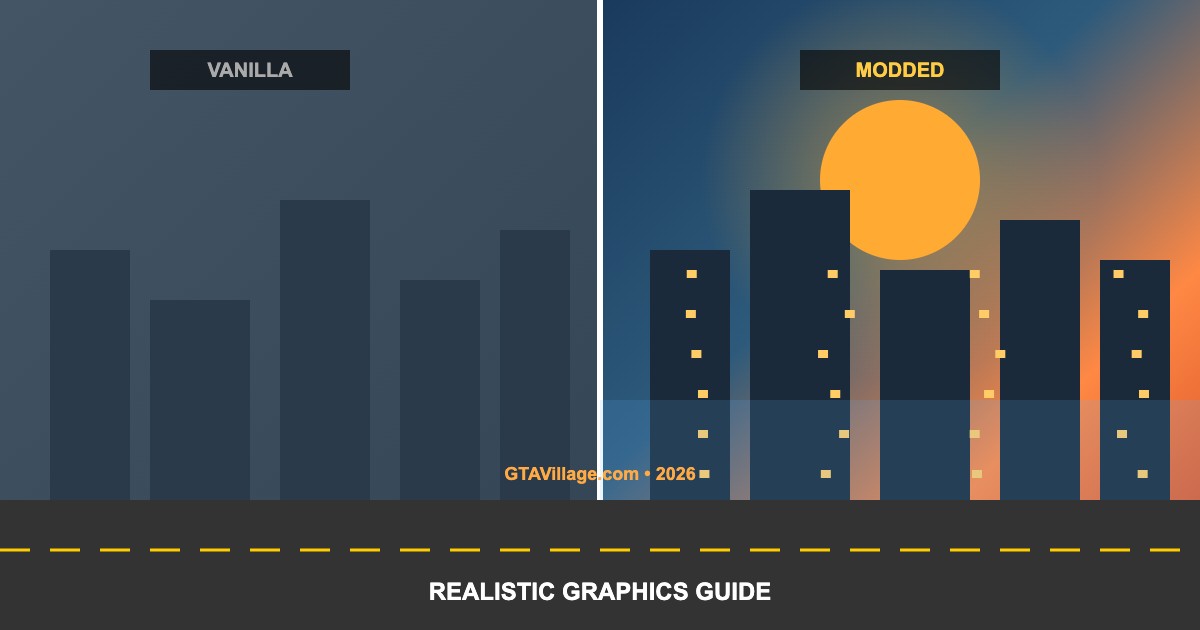
Transform GTA 5 into a photorealistic experience with the right combination of graphics mods. This guide covers the best visual overhauls, ReShade presets, and settings optimization for maximum realism.
| Mod |
Category |
Performance Impact |
Realism Level |
| NaturalVision Evolved |
Complete overhaul |
High |
★★★★★ |
| QuantV |
Weather + lighting |
Medium-High |
★★★★☆ |
| VisualV |
Timecycle + weather |
Low-Medium |
★★★★☆ |
| ReShade + Preset |
Post-processing |
Medium |
★★★☆☆ |
| ENB Series |
Advanced lighting |
High |
★★★★★ |
Recommended Mod Stack (Best Results)
- Install NaturalVision Evolved as your base graphics overhaul
- Add ReShade 5.x with a cinematic preset (RTGI for ray tracing effects)
- Install 4K texture packs for roads, buildings, and vegetation
- Add L.A. Roads for photorealistic road textures
- Install a vegetation mod (Real California Pines, realistic grass)
- Add Real California Architecture for building texture upgrades
- Fine-tune
settings.xml for your GPU's capabilities
System Requirements for Realistic Graphics
| Component |
Minimum |
Recommended |
| GPU |
GTX 1070 / RX 5700 |
RTX 3070+ / RX 6800+ |
| VRAM |
6 GB |
8-12 GB |
| RAM |
16 GB |
32 GB |
| CPU |
i5-8600K / R5 3600 |
i7-12700K / R7 5800X |
| Storage |
SSD (100 GB free) |
NVMe SSD |
ReShade Setup for Maximum Realism
- Download ReShade from
reshade.me and run the installer
- Select your
GTA5.exe and choose DirectX 11
- Install all effect packages when prompted
- Download a cinematic preset (MartyMcFly RTGI recommended)
- Place the preset file in the GTA 5 root folder
- In-game, press Home to open ReShade, load the preset
Performance Optimization Tips
- Use DLSS/FSR if your GPU supports it — render at lower resolution, upscale
- Lower grass quality and shadow distance for biggest FPS gains
- Disable MSAA — use FXAA or ReShade SMAA instead
- Set Extended Distance Scaling to 50% or lower
- Use a gameconfig.xml optimized for your mod setup





Comments0
Sign in to leave a comment
No comments yet. Be the first to comment!