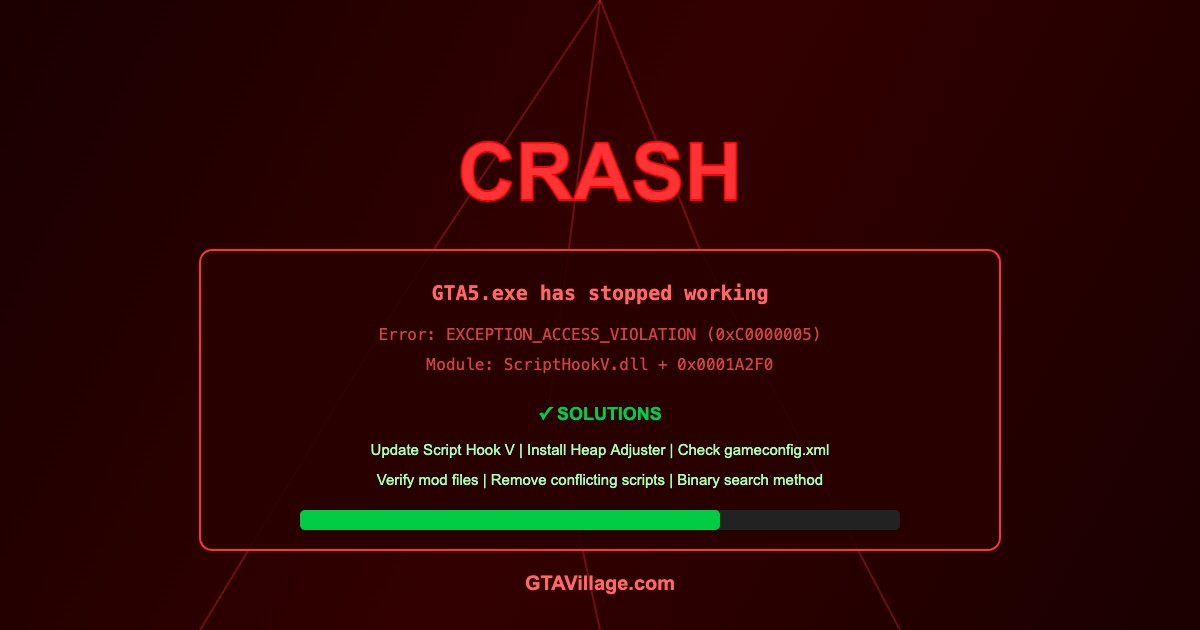
Fix GTA 5 Crashes with Mods — Complete Troubleshooting Guide 2026
Game crashes are the most common issue in modded GTA 5. This comprehensive guide covers every type of crash and their solutions, from startup failures to random in-game crashes.
| Crash Type | When It Happens | Most Likely Cause | Quick Fix |
|---|---|---|---|
| Startup crash | Before loading screen | Outdated Script Hook V | Update SHV |
| Loading crash | During loading screen | Bad mod file or gameconfig | Update gameconfig |
| Random crash | During gameplay | Memory overflow or script conflict | Heap Adjuster |
| Vehicle crash | When spawning/entering vehicles | Corrupt vehicle model | Remove last vehicle mod |
| Area crash | At specific map locations | Corrupt map/texture mod | Remove map mods |
Step-by-Step Troubleshooting
- Check ScriptHookV.log — open the log file in game root for error details
- Update Script Hook V — download latest version matching your game build
- Update gameconfig.xml — install version matching your game + mod count
- Install Heap Adjuster — prevents memory-related crashes
- Install PackFile Limit Adjuster — fixes RPF file limit crashes
- If still crashing, use binary search: remove half your mods, test, narrow down
Reading Crash Logs
-
ScriptHookV.log— shows ASI plugin load status and script errors -
asiloader.log— shows which ASI files loaded/failed - Windows Event Viewer → Application → look for GTA5.exe errors
- EXCEPTION_ACCESS_VIOLATION — usually corrupt mod file or memory issue
- ERR_GEN_INVALID — gameconfig limits exceeded
- ERR_FIL_PACK_1 — too many RPF files, need PackFile Limit Adjuster
Prevention Best Practices
- Install mods one at a time and test after each
- Always use the mods folder — never modify originals
- Keep backups of your working mod setup
- Update gameconfig.xml after adding many vehicles
- Check mod comments section for known issues before installing
- Don't mix incompatible graphics overhauls
Emergency Recovery
- Rename
modsfolder tomods_backup - Remove all .asi and .dll files from game root (except dinput8.dll)
- Verify game files through your launcher
- If game runs vanilla, re-add mods incrementally





Comments0
Sign in to leave a comment
No comments yet. Be the first to comment!