Character & Skin Mods for GTA 5 in 2026
Replace default character models in GTA 5 with custom skins, celebrity lookalikes, superheroes, or entirely new ped models. This guide covers both skin replacement (replacing existing character textures) and add-on ped methods for installing character mods.
Character Mod Types
| Type |
Method |
Pros |
Cons |
| Skin Replacement |
Replace .ydd/.ytd files |
Simple, no scripts needed |
Overwrites original character |
| Add-On Ped |
AddonPeds mod + .oiv |
Non-destructive, switchable |
Requires AddonPeds framework |
| MP Freemode |
Replace mp_m/f_freemode |
Works in story mode |
Affects all MP-style peds |
| Ped Model Swap |
Trainer-based swap |
Instant, no file changes |
Temporary, resets on reload |
Method 1: Skin Replacement
- Download the character mod (usually contains
.ydd, .ytd, and sometimes .ymt files)
- Open OpenIV and enable Edit Mode
- Navigate to the character's model path:
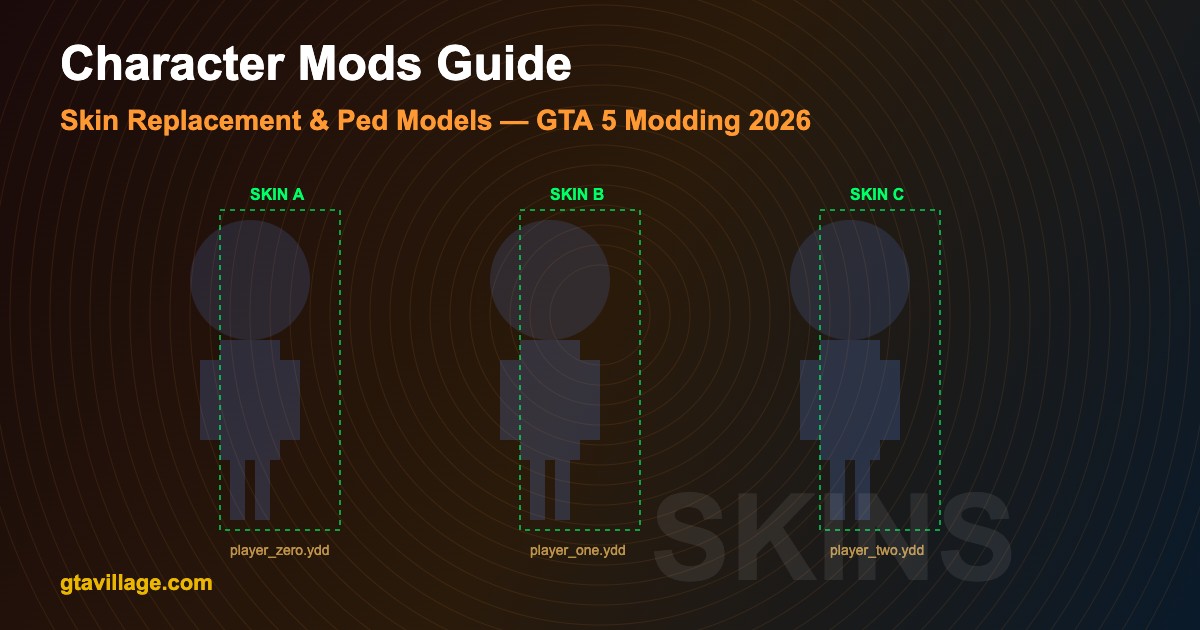
- Michael:
mods/update/x64/dlcpacks/patchday8ng/dlc.rpf/x64/models/cdimages/streamedpeds_players.rpf
- Franklin: same path, look for
player_one files
- Trevor: same path, look for
player_two files
- Replace the original
.ydd (model) and .ytd (texture) files with the mod files
- Close OpenIV and launch the game to test
Method 2: AddonPeds (Recommended)
- Download and install AddonPeds from GTA5-Mods.com
- Place
AddonPeds.asi and AddonPedsEditor.asi in your GTA 5 root directory
- Create folder:
mods/update/x64/dlcpacks/addonpeds/dlc.rpf
- Download an add-on ped mod (usually comes as
.oiv package)
- Install the
.oiv via OpenIV Package Installer
- In-game, press
L-Ctrl + N to open the AddonPeds menu
- Select and spawn your custom character
Key Character Model Files
| File Extension |
Purpose |
Description |
.ydd |
Drawable Dictionary |
3D model mesh data (body, clothing, accessories) |
.ytd |
Texture Dictionary |
Textures/skins applied to the model |
.ymt |
Meta Type |
Configuration data (clothing variations, props) |
.yft |
Fragment Type |
Physics-enabled model parts |
.oiv |
OIV Package |
Auto-installer package for OpenIV |
Popular Character Mod Categories
-
Superheroes — Spider-Man, Batman, Iron Man with custom animations and abilities
-
Movie Characters — John Wick, Joker, Deadpool with accurate costumes
-
Anime Characters — Naruto, Goku, Saitama with cel-shaded textures
-
Real Celebrities — accurate face scans and clothing replicas
-
Custom Original Characters — unique player-created designs
Troubleshooting Character Mods
-
Invisible character — wrong file path or mismatched
.ydd/.ytd names; verify exact filenames match originals
-
Stretched/distorted model — incompatible skeleton; ensure mod was made for the correct character slot
-
Missing textures (purple skin) —
.ytd file not installed or wrong texture dictionary name
-
Game crash on spawn — model poly count too high; try lower-quality version or increase
gameconfig.xml limits
-
Clothing clipping — normal for complex models; use trainer to remove conflicting clothing layers
Best Practices
- Always use the
mods folder to keep original game files intact
- Back up original
.ydd/.ytd files before replacing
- Use AddonPeds for non-destructive character swaps whenever possible
- Check mod compatibility with your game version before installing
- Install
gameconfig.xml for mods to prevent memory-related crashes with many ped models





Comments0
Sign in to leave a comment
No comments yet. Be the first to comment!