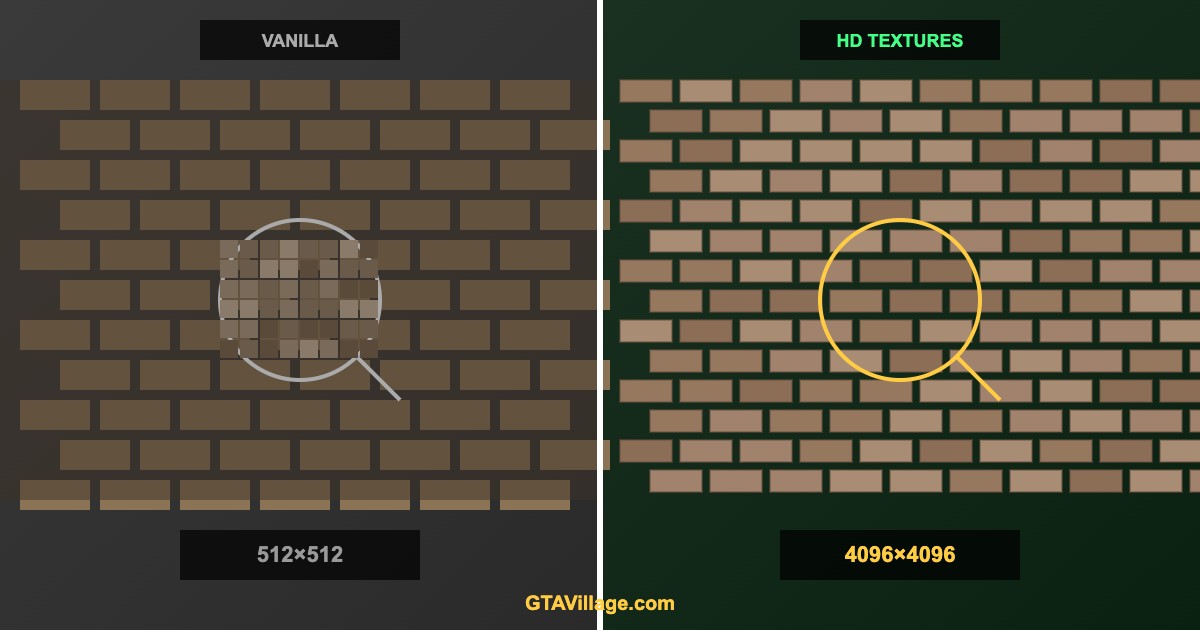
Texture Mods for GTA 5 — HD Textures Installation Guide 2026
Upgrade GTA 5's visual fidelity with high-definition texture mods. Replace blurry vanilla textures with crisp 4K alternatives for roads, buildings, vehicles, and environments.
| Texture Category | Vanilla Resolution | HD Mod Resolution | VRAM Impact |
|---|---|---|---|
| Roads | 512×512 | 2048-4096 | +1-2 GB |
| Buildings | 512-1024 | 2048-4096 | +2-4 GB |
| Vegetation | 256-512 | 1024-2048 | +1 GB |
| Vehicles | 1024 | 2048-4096 | +0.5-1 GB per car |
| Characters | 512-1024 | 2048-4096 | +0.5 GB |
Installation via OpenIV (Recommended)
- Open OpenIV and enable the
modsfolder feature - Navigate to the texture location (e.g.,
mods/x64e.rpf/levels/gta5/) - Find the .ytd (texture dictionary) file you want to replace
- Enable Edit Mode in OpenIV
- Drag and drop the new .ytd file to replace the original
- If the mod includes an OIV installer, use OpenIV → Tools → Package Installer
Popular HD Texture Packs
- L.A. Roads — photorealistic road textures (4K asphalt, sidewalks, markings)
- Real California Architecture — HD building facades and storefronts
- GTA Remastered — comprehensive texture upgrade for all surfaces
- HD Road Signs — sharp, readable road signs and billboards
- Realistic Vegetation — high-resolution trees, grass, and shrubs
Texture Formats Explained
- .ytd — Texture Dictionary: contains multiple textures in one archive
- DDS — DirectDraw Surface: the raw texture format inside .ytd files
- BC7/DXT5 — compression formats used for game textures
- Use OpenIV Texture Editor to view and edit individual textures inside .ytd files
VRAM Management Tips
- Monitor VRAM usage with MSI Afterburner overlay
- Start with road textures — biggest visual improvement per VRAM cost
- Avoid 4K textures on objects rarely seen up close
- If you exceed VRAM, the game will stutter — lower texture resolution or remove some packs
- 8 GB VRAM minimum for extensive texture modding, 12 GB recommended





Comments0
Sign in to leave a comment
No comments yet. Be the first to comment!