GTA 5 Map Editor — Complete Guide to Building Custom Locations 2026
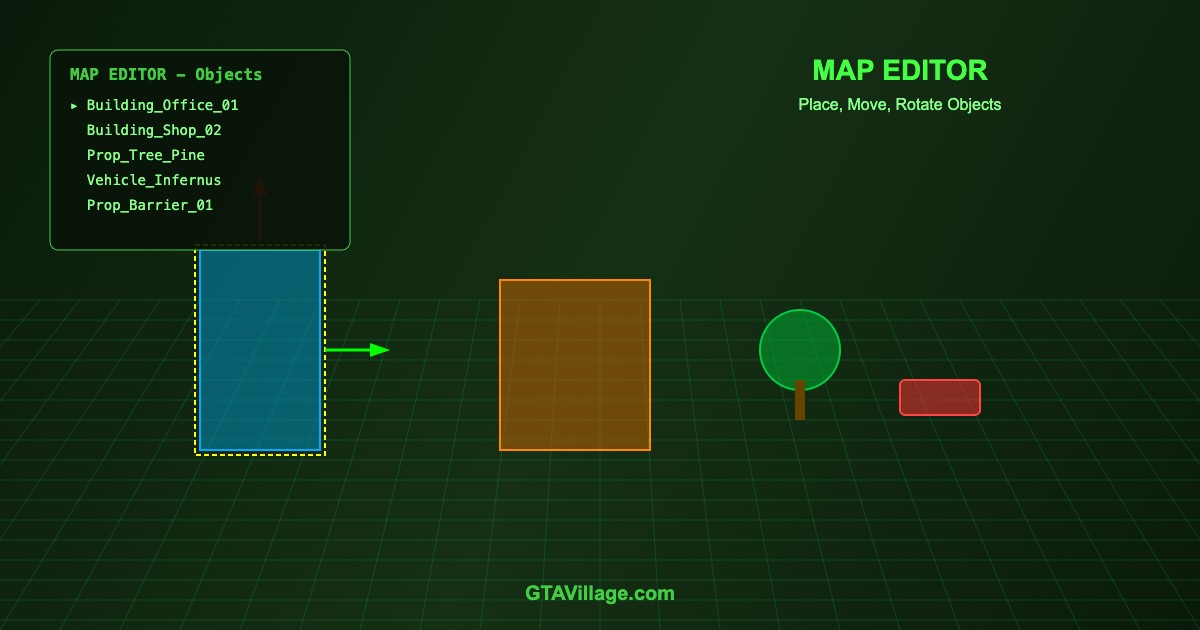
Map Editor mods let you place, move, and rotate objects anywhere in GTA 5 to create custom locations, race tracks, bases, and more. This guide covers Menyoo and Map Editor usage.
| Map Editor | Features | Save Format | Requirements |
|---|---|---|---|
| Menyoo PC | Object spawner, props, vehicles, peds | .xml | Script Hook V |
| Map Editor by Guadmaz | Dedicated map building tool | .xml | Script Hook V + .NET |
| CodeWalker | Advanced YMAP/YTYP editing | .ymap | External tool |
| OpenIV | Direct RPF map editing | .ymap/.ytyp | External tool |
Using Menyoo PC for Map Building
- Install Script Hook V and place
Menyoo.asiin the game root - Launch game and press F8 to open Menyoo menu
- Navigate to Object Spooner
- Select Spawn Object by Name or browse categories
- Place the object — use arrow keys to move, Page Up/Down to rotate
- Use Manage Entity Database to select and fine-tune placed objects
- Save your map: Save Placement File → give it a name
Using Map Editor by Guadmaz
- Install Script Hook V + .NET Script Hook
- Place
MapEditor.dllin yourscriptsfolder - Press F7 to open Map Editor
- Browse the object catalog and select props/buildings
- Click to place, drag to move, scroll to rotate
- Save maps as .xml files that auto-load on game start
Tips for Great Map Builds
- Use snapping — align objects precisely to avoid floating or clipping
- Layer objects — combine multiple props to create complex structures
- Test collisions — walk and drive through your creation to check for issues
- Use lighting props — add lamps, neon lights for atmosphere
- Save frequently — crashes can lose unsaved work
- Performance limit — too many objects (500+) can cause FPS drops
Converting to Permanent Maps
- Menyoo .xml maps only load when Menyoo is active
- For permanent maps, convert to .ymap format using CodeWalker
- Package as a DLC using
dlc.rpfstructure - Add to
dlclist.xmlfor automatic loading without mods





Comments0
Sign in to leave a comment
No comments yet. Be the first to comment!