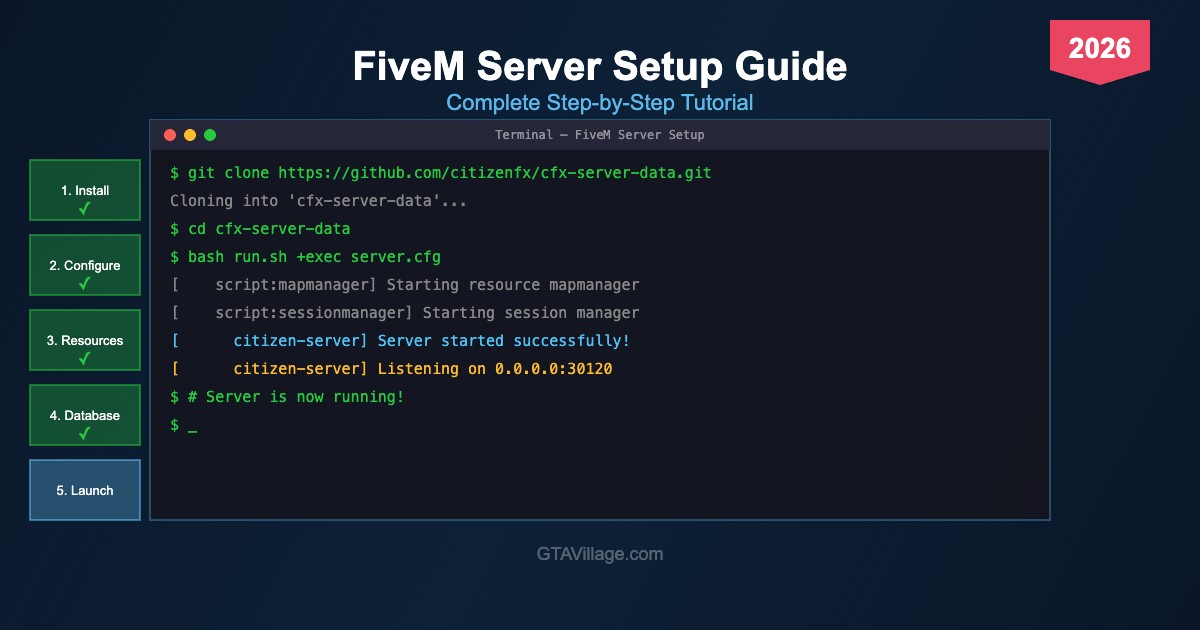
FiveM Server Setup Guide 2026 — Step-by-Step Installation Tutorial
Learn how to create and configure your own FiveM roleplay server from scratch with this complete setup guide for GTA 5 in 2026. This comprehensive tutorial walks you through every step from downloading server files to configuring frameworks, databases, and essential resources, so you can launch a fully functional RP server and start building your community.
Server Installation and Requirements
The guide begins with hardware and software requirements — you'll need a VPS or dedicated server with at least 4GB RAM, a multi-core processor, and SSD storage for optimal performance. Step-by-step instructions cover downloading the latest FiveM server artifacts, extracting server data files, generating your Cfx.re license key, and configuring the initial server.cfg file with your server name, description, tags, and connection settings for first launch.
Framework and Database Configuration
Choose and install your preferred framework — this guide covers both ESX and QBCore setup procedures in detail. Learn how to install and configure MariaDB or MySQL database servers, import the required SQL schemas, set up database connection strings in your server configuration, and verify everything works correctly. The tutorial also covers essential resources like oxmysql for database communication, ox_lib for utility functions, and ox_inventory or qs-inventory for item management.
Essential Resources and Launch
Configure the must-have resources every RP server needs: character creation and multicharacter systems, job scripts, vehicle garages, housing systems, phone scripts, and admin tools. Learn proper resource load ordering in server.cfg to avoid dependency conflicts, set up scheduled restarts with txAdmin, configure Discord integration for server logs and notifications, and optimize your server settings for the best possible performance. The guide concludes with testing procedures and tips for attracting your first players to build a thriving community.





Comments0
Sign in to leave a comment
No comments yet. Be the first to comment!