Texture Optimization Guide 2026
Texture quality is the single biggest factor affecting both visual fidelity and performance in modded GTA 5. This optimization guide for 2026 teaches you how to find the perfect balance between stunning graphics and smooth framerates, whether you're running a high-end PC or a budget gaming setup.
Understanding Texture Resolutions
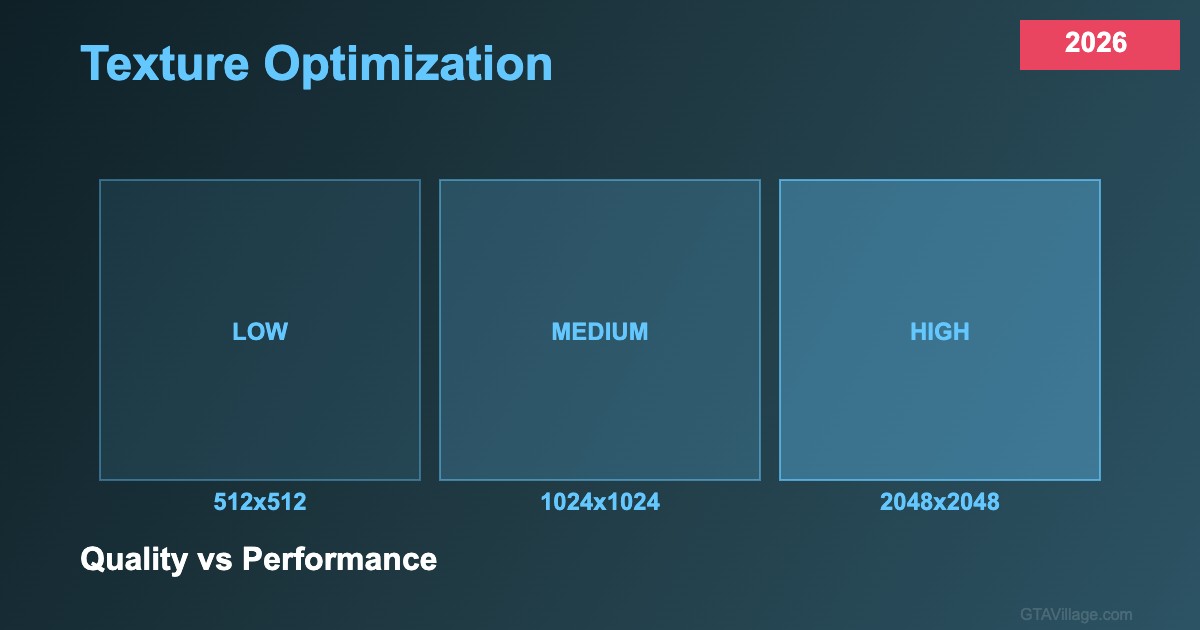
GTA 5 textures come in standard resolutions: 256x256 for distant objects, 512x512 for medium-detail props, 1024x1024 for vehicles and characters, and 2048x2048 or 4096x4096 for high-detail close-up surfaces. Each doubling of resolution quadruples VRAM usage — a single 4K texture uses 16 times more memory than a 512x512 version. Understanding this exponential scaling is key to managing your VRAM budget effectively.
VRAM Management Strategies
Modern GPUs range from 4GB to 24GB of VRAM. For 4-6GB cards, stick to 1024x1024 maximum for most textures with selective 2048x2048 for hero assets. 8GB cards handle mixed 1024-2048 comfortably. 12GB+ cards can run 4K textures on important surfaces. Monitor VRAM usage with MSI Afterburner — when usage exceeds 90% of your total VRAM, you'll experience stuttering as textures swap in and out of memory.
Texture Compression and Formats
GTA 5 uses DXT compression in its YTD texture dictionaries. DXT1 offers 6:1 compression for textures without transparency, while DXT5 provides 4:1 compression with alpha channels. When creating or editing textures, always export in the correct DXT format matching the original — using uncompressed textures wastes VRAM with minimal visual improvement. Tools like Paint.NET and GIMP can export directly to DXT formats for seamless integration.
Optimization Workflow
Follow this workflow for optimal results: identify VRAM-heavy texture packs using OpenIV's search function, downscale non-critical textures (road surfaces, distant buildings) to 512x512, keep character and vehicle textures at 1024-2048, and generate proper mipmaps for all textures. Mipmaps are pre-scaled versions that the engine uses at different distances, dramatically improving both performance and visual quality by preventing aliasing artifacts on distant surfaces.





Comments0
Sign in to leave a comment
No comments yet. Be the first to comment!