Script Development Basics for GTA 5 — 2026 Guide
Script modding opens up unlimited possibilities for GTA 5, from simple gameplay tweaks to complex new features. This beginner's guide for 2026 covers the fundamentals of GTA 5 script development using both C# (Script Hook V .NET) and Lua (FiveM), giving you the foundation to start creating your own mods.
Choosing Your Platform
GTA 5 script development splits into two main paths: Script Hook V for single-player mods using C# or VB.NET, and FiveM/Lua for multiplayer server scripts. Script Hook V .NET requires Visual Studio and the SHVDN library, producing .dll files that load into single-player. FiveM uses Lua scripting with a simpler setup — just a text editor and basic programming knowledge. Choose based on your goals: single-player enhancements or multiplayer server features.
Setting Up Your Development Environment
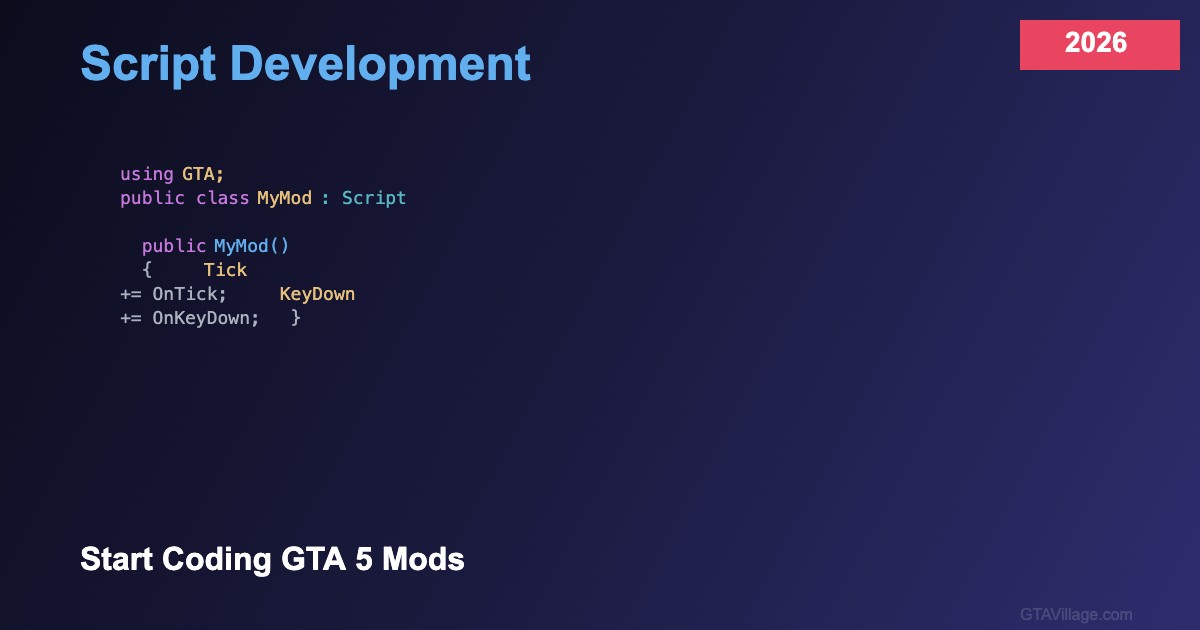
For C# development, install Visual Studio Community (free), create a Class Library project targeting .NET Framework 4.8, and reference ScriptHookVDotNet3.dll. Your main class inherits from Script, giving access to Tick events, key handlers, and the entire GTA 5 native function library. For FiveM Lua, install VS Code with the Lua extension, create a resource folder with fxmanifest.lua, and start writing client or server scripts immediately — no compilation needed.
Essential Native Functions
Native functions are your interface to the game engine. Key categories include Player natives (GET_PLAYER_PED, SET_PLAYER_INVINCIBLE), Vehicle natives (CREATE_VEHICLE, SET_VEHICLE_MOD), World natives (GET_CLOSEST_VEHICLE_NODE, CREATE_PED), and UI natives (DRAW_TEXT, SET_NOTIFICATION_TEXT). The Native DB (nativedb.dotindustries.dev) documents every available function with parameters and return types — bookmark it as your primary reference.
Debugging and Testing
Effective debugging accelerates development: use GTA.UI.Notification.Show() in SHVDN or print() in FiveM Lua to display variable values. Test in isolated scenarios by teleporting to empty areas. For FiveM, the F8 console shows errors in real-time, and the /restart command reloads your resource without restarting the server. Always handle errors gracefully with try-catch blocks in C# or pcall in Lua to prevent crashes from breaking the game.





Comments0
Sign in to leave a comment
No comments yet. Be the first to comment!