Vehicle Tuning Parts Guide 2026
Vehicle customization is one of the most popular aspects of GTA 5 modding, allowing you to add custom bumpers, spoilers, exhausts, wheels, and performance upgrades to any car. This 2026 guide explains how tuning parts work in the game's modkit system and how to install and create your own custom modifications.
Understanding the Modkit System
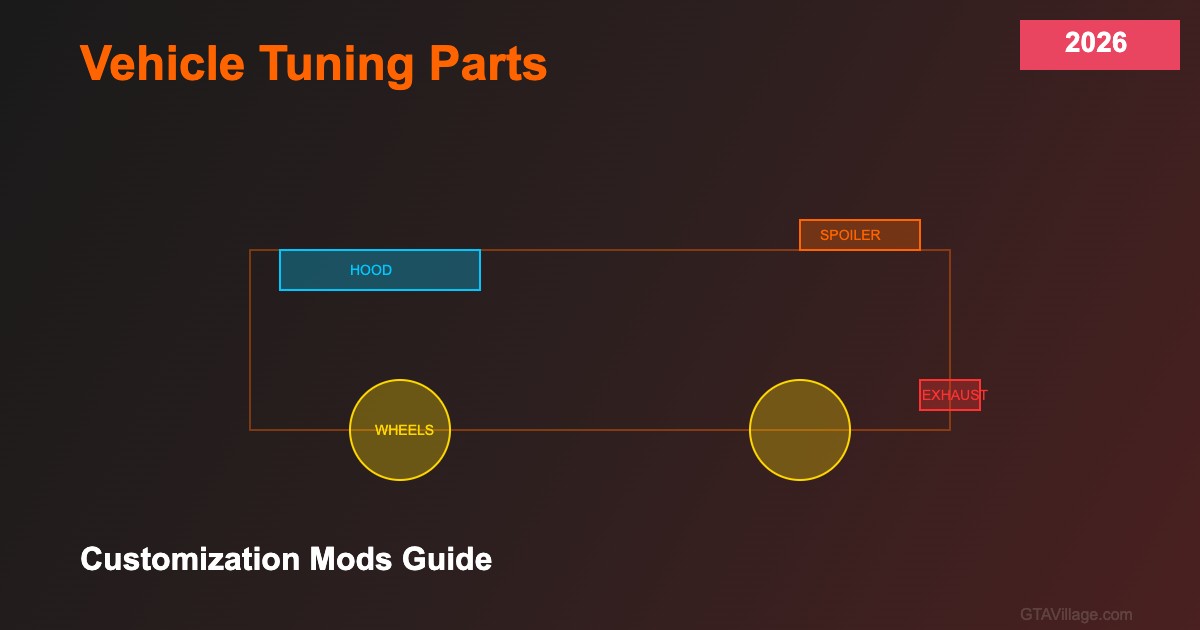
GTA 5 uses a modkit system defined in carcols.meta that assigns available modification slots to each vehicle. Each modkit contains entries for different mod types: VMT_SPOILER, VMT_BUMPER_F (front bumper), VMT_BUMPER_R (rear bumper), VMT_SKIRT (side skirts), VMT_EXHAUST, VMT_ROLL_CAGE, VMT_HOOD, and VMT_ROOF. Each slot can hold multiple options that players choose from in Los Santos Customs or via script commands.
Installing Custom Tuning Parts
Custom tuning parts consist of 3D model files (YDR) placed in the vehicle's model directory. Each mod option is named following the convention: vehiclename_mods_spoiler (for spoiler option 1), vehiclename_mods_spoiler2 (option 2), and so on. The carcols.meta entry must reference each option with the correct model name and bone attachment point. After placing the model files and updating carcols.meta, add the vehicle to your dlclist.xml and test in-game.
Performance Tuning Modifications
Beyond visual mods, GTA 5 supports performance modifications through the vehicles.meta file. Engine upgrades increase fDriveForce, transmission upgrades affect fInitialDriveGears and shift timing, turbo adds a boost multiplier, and brake upgrades improve fBrakeForce. Each performance tier is configured in the vehiclename section of handling.meta, with the modkit system enabling or disabling each level based on player purchases at Los Santos Customs.
Creating Custom Parts from Scratch
To create new tuning parts, model them in 3D software (Blender or ZModeler), ensuring correct scale and bone alignment with the base vehicle. Export as YDR format with proper LOD levels, create matching collision meshes, and register them in carcols.meta with unique kit IDs. Always test each part individually — common issues include incorrect bone attachment causing parts to float or clip through the vehicle body, and missing LOD models causing parts to disappear at distance.





Comments0
Sign in to leave a comment
No comments yet. Be the first to comment!