Custom Weapon Attachments Guide 2026
Weapon attachments in GTA 5 add tactical variety and visual customization to the game's arsenal. This 2026 guide explains how the attachment system works internally, how to install custom attachments from the community, and how to create your own unique weapon modifications from scratch.
How Weapon Attachments Work
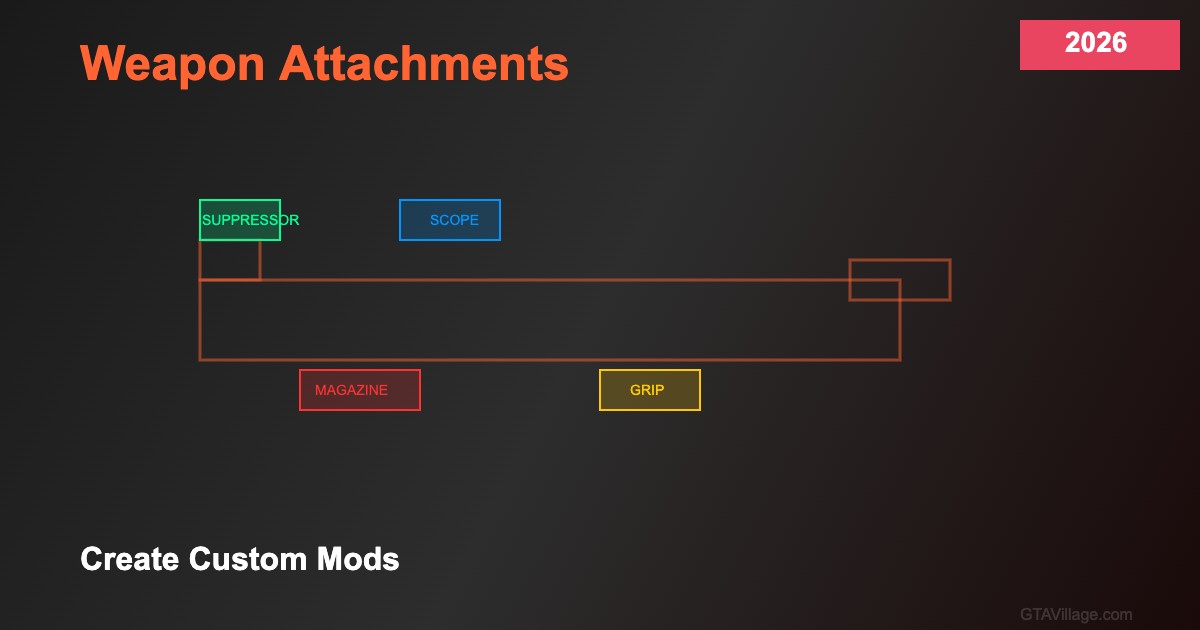
GTA 5's weapon attachment system uses component definitions in weaponcomponents.meta linked to weapon entries in weapons.meta. Each component specifies its type (clip, scope, suppressor, flashlight, grip), the 3D model to display, stat modifiers (accuracy, damage, range bonuses), and the bone attachment point on the weapon model. The game supports multiple attachment slots simultaneously, allowing players to customize weapons with various combinations.
Installing Custom Attachments
Custom weapon attachments typically include YDR model files and updated meta configurations. To install: place the YDR models in the weapon's model directory within the appropriate RPF archive using OpenIV, update weaponcomponents.meta to register the new component with its properties and attachment bone, and modify the weapon's entry in weapons.meta to reference the new component as an available option. Always back up original files before modification.
Creating Attachments in 3D Software
Model custom attachments in Blender or ZModeler: import the base weapon model for reference, create your attachment at the correct scale and position relative to the weapon's attachment bones. Key bones include YOURBONE_YOURCOMP for each component type. Export as YDR with proper LOD levels — attachments need at least two LODs (high detail and low detail) for performance. Test alignment in-game and adjust bone offsets in the meta file until positioning is perfect.
Stat Configuration and Balancing
Configure attachment effects in weaponcomponents.meta: DamageModifier affects bullet damage, AccuracyModifier changes weapon spread, RangeModifier extends effective distance, and ClipSize sets magazine capacity for extended clips. Balance your attachments carefully — overpowered modifications break gameplay balance in single-player and especially on FiveM servers. Study vanilla attachment values as reference points and make modest adjustments that enhance gameplay without making weapons unrealistically powerful.





Comments0
Sign in to leave a comment
No comments yet. Be the first to comment!