Vehicle Livery Creation Guide 2026
Custom liveries transform ordinary GTA 5 vehicles into unique machines with racing stripes, police decals, company branding, or artistic designs. This 2026 guide walks you through creating professional-quality liveries from UV mapping to in-game implementation, whether for single-player mods or FiveM server fleets.
Understanding UV Maps
Every vehicle in GTA 5 has a UV map — a flattened 2D representation of the 3D model's surface. To create a livery, you need the vehicle's UV template, which you can extract using OpenIV by exporting the vehicle's YTD texture dictionary. The main body texture is typically named vehiclename_sign_1 or vehiclename_detail. Open the UV template in Photoshop or GIMP as your base layer, then paint your livery design on top, using the UV layout as a guide for where each section maps to the 3D model.
Designing Your Livery
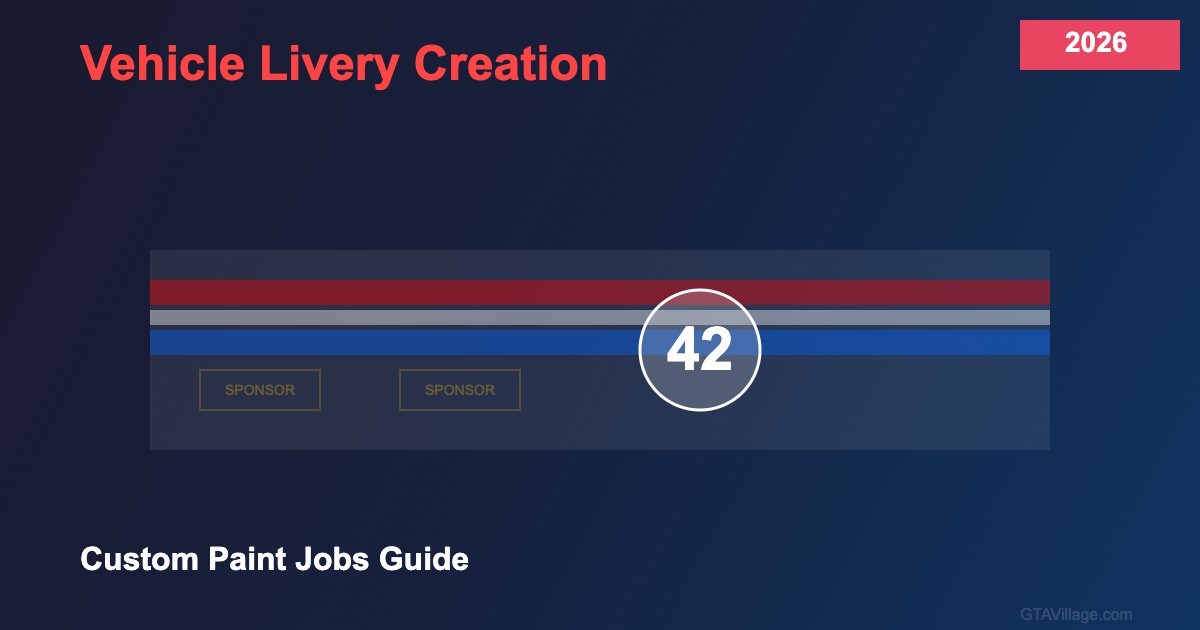
Work at high resolution (2048x2048 or 4096x4096) for crisp results. Use separate layers for each design element: base color layer, stripe patterns, logos, numbers, sponsor text, and detail accents. Keep important designs away from UV seam lines where texture distortion occurs. Test frequently by saving and loading in-game — what looks good flat often needs adjustment once wrapped around the 3D model. Use reference photos of real vehicles for authentic racing, police, or commercial liveries.
Exporting and Installing
Export your finished livery as a DDS file with DXT5 compression (DXT1 if no transparency needed). Name it following GTA 5's livery naming convention: vehiclename_sign_1 for the first livery option, vehiclename_sign_2 for the second, and so on. Import into the vehicle's YTD file using OpenIV, ensuring the texture dimensions match the original. Update carvariations.meta to register your new livery as a selectable option, adding it to the vehicle's livery list with the correct texture reference.
FiveM Server Liveries
For FiveM servers, liveries can be streamed as custom assets without modifying the base game. Create a resource with a stream folder containing the modified YTD file and any necessary meta files. This approach allows server-specific liveries for police departments, taxi companies, delivery services, and other roleplay organizations. Multiple livery variations per vehicle enable different department divisions or rank-specific markings, enhancing the roleplay experience.





Comments0
Sign in to leave a comment
No comments yet. Be the first to comment!