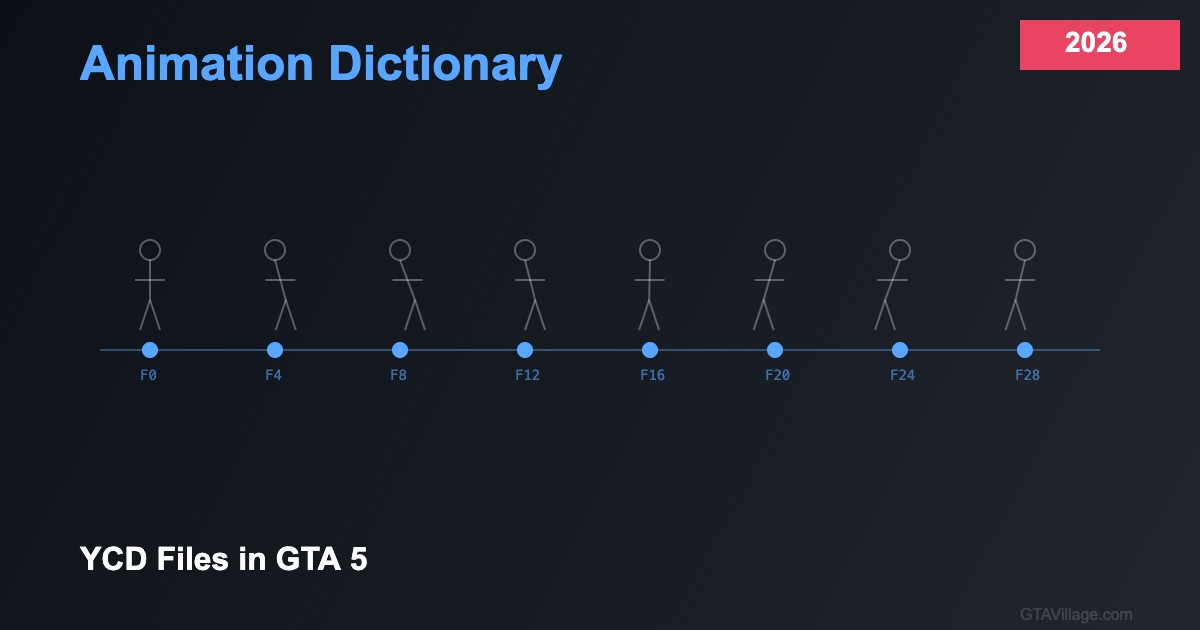
Animation Dictionary Guide — YCD Files in GTA 5 (2026)
Animations bring GTA 5's world to life, from character movements and emotes to vehicle entry sequences and combat actions. This 2026 guide explains the YCD animation file format, how animation dictionaries organize clips, and how to use and create custom animations for both single-player mods and FiveM servers.
Understanding Animation Dictionaries
GTA 5 organizes animations into dictionaries — named collections of related animation clips. Each dictionary (like "amb@world_human_drinking@beer@male@base") contains multiple clips ("base", "enter", "exit", "idle_a"). Dictionaries are stored as YCD files within the game's RPF archives. The naming convention follows a hierarchical pattern: category@subcategory@variant@gender@type, making it easy to find related animations.
Playing Animations via Script
To play animations in scripts, first request the dictionary using RequestAnimDict("dict_name"), wait until it loads with HasAnimDictLoaded(), then play with TaskPlayAnim(ped, "dict_name", "clip_name", blendInSpeed, blendOutSpeed, duration, flag, playbackRate). Animation flags control behavior: 1 = loop, 2 = freeze on last frame, 16 = upper body only, 32 = secondary task (allows walking). Combining flags with bitwise OR creates complex behaviors like looping upper-body animations while the player walks.
Finding Animation Names
With thousands of animations available, finding the right one is crucial. Use community-compiled animation lists on GitHub, the DurtyFree GTA V data dumps repository (comprehensive and regularly updated), or in-game animation browsers like Menyoo's animation player. For FiveM, the dpemotes resource provides a categorized menu of animations accessible through chat commands, making it easy to preview and identify animations for your scripts.
Creating Custom YCD Animations
Custom animations require specialized tools: use Blender with the GTA 5 animation addon to create or modify animations rigged to the GTA 5 skeleton. Export your animation as a clip, convert to YCD format using tools like CodeWalker, and package into a resource. For FiveM, stream custom YCD files through a resource with proper fxmanifest.lua configuration. Custom animations enable unique emotes, job-specific actions, and interactive scenarios that set your server apart from others.





Comments0
Sign in to leave a comment
No comments yet. Be the first to comment!