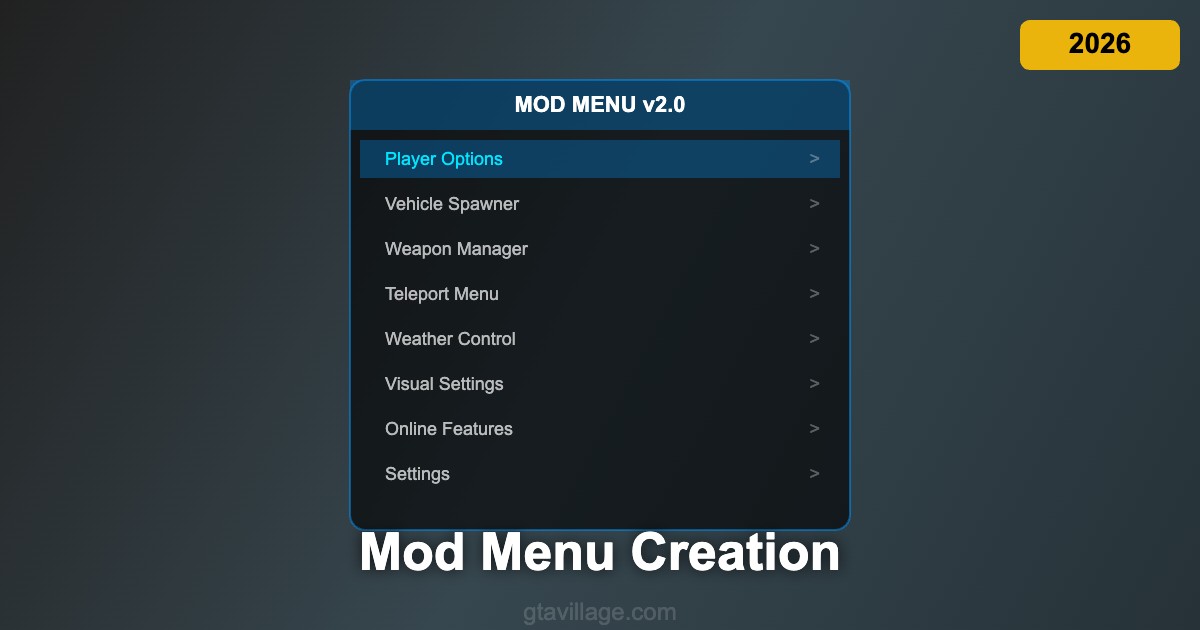
Mod Menu Creation Guide for GTA 5 in 2026
Creating a custom mod menu for GTA 5 gives you a centralized interface to control all your modifications, spawn vehicles, adjust settings, and access advanced features through a clean, organized UI. Whether you are building a personal trainer or a comprehensive modding toolkit, understanding menu frameworks and native function calls is essential for developing a professional-quality mod menu.
Choosing a Menu Framework
Several established frameworks simplify mod menu development for GTA 5. NativeUI is the most popular choice, providing Rockstar-style menu elements that match the game's native look and feel. LemonUI offers a modern alternative with additional customization options and better performance. For C++ developers, ScriptHookV provides low-level native access with direct menu rendering capabilities. Each framework handles input processing, item rendering, and submenu navigation, letting you focus on functionality rather than UI code.
Building Menu Structure and Navigation
A well-organized mod menu uses a hierarchical structure with categories, subcategories, and individual options. Start with a main menu containing top-level categories like Player, Vehicle, Weapon, World, and Settings. Each category opens a submenu with specific options — Player might contain God Mode, Wanted Level, Model Changer, and Teleport. Use toggle items for on/off features, list items for selecting from options, and slider items for adjustable values like speed multipliers or opacity settings.
Implementing Native Functions
GTA 5 native functions are the core of mod menu functionality. Functions like SET_ENTITY_HEALTH, SET_PED_ARMOUR, CREATE_VEHICLE, and SET_WEATHER_TYPE_NOW let you manipulate every aspect of the game. Reference the native function database at nativedb.dotindustries.dev for complete documentation. Each native function has specific parameter requirements and return types. Wrap native calls in your menu item callbacks to trigger game modifications when users select options.
Advanced Features and Distribution
Elevate your mod menu with advanced features like saved presets, hotkey bindings, configuration file persistence, and automatic updates. Implement a settings save system using INI files that preserve user preferences between sessions. Add notification systems that confirm actions with on-screen messages. For distribution, package your menu as an ASI plugin with clear installation instructions. Include version checking and consider creating a configuration editor for users who want to customize keybindings and default values in GTA 5 in 2026.





Comments0
Sign in to leave a comment
No comments yet. Be the first to comment!