Why Does Modded GTA 5 Crash?
Crashes are the most common issue faced by GTA 5 modders, and understanding their root causes is essential for maintaining a stable modded game in 2026. Most crashes stem from resource conflicts, outdated mod files, insufficient memory allocation, or incompatible script combinations. This comprehensive guide covers the most frequent crash scenarios and provides systematic troubleshooting methods to identify and resolve each type of crash effectively.
Reading Crash Logs
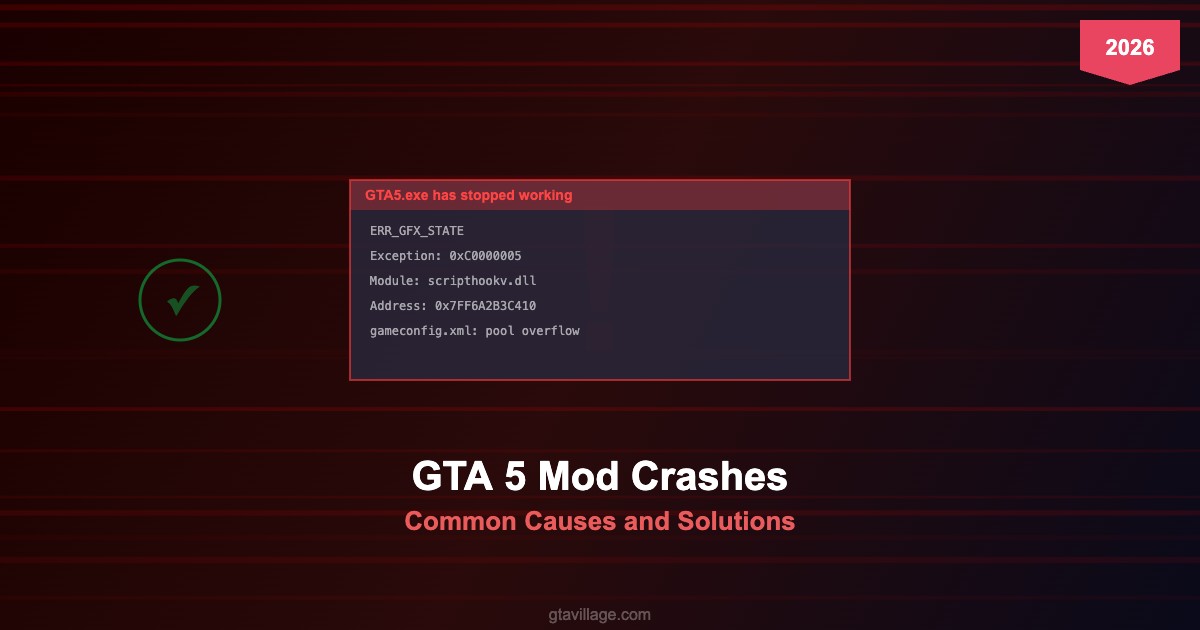
The first step in diagnosing any crash is learning to read crash logs. GTA 5 generates crash dump files in your Documents folder under Rockstar Games. ScriptHookV also creates its own log file (ScriptHookV.log) that records script loading errors. The crash address and faulting module name are the most important pieces of information — they tell you which mod or game component triggered the crash. Tools like crash-log-analyzer and Windows Event Viewer provide additional diagnostic data.
Common Crash Causes and Fixes
The ERR_MEM_MULTIALLOC_FREE error indicates memory pool exhaustion and is typically fixed by editing gameconfig.xml to increase pool sizes. ERR_GFX_STATE crashes relate to graphics card driver conflicts or incompatible ENB/ReShade versions. Script crashes showing 0xC0000005 access violation usually mean a script mod is accessing invalid memory, often due to game version mismatch. The infinite loading screen is commonly caused by corrupted replacement files or incorrect OpenIV installations.
Systematic Troubleshooting Method
When facing persistent crashes, use the binary search method: remove half your mods, test stability, then narrow down the problematic mod by halving again. Always test with a clean mods folder first to establish a baseline. Check that ScriptHookV matches your game version exactly. Verify that all .asi loader plugins are compatible with each other. Monitor RAM usage — GTA 5 with heavy mods can easily exceed 8GB, requiring a packfile limit adjuster and heap adjuster for stability.
Preventing Future Crashes
Prevention is better than fixing crashes after they occur. In 2026, best practices include keeping regular backups of your working mod configuration, updating mods incrementally rather than all at once, using a mod manager for easy enable/disable testing, and maintaining a log of which mods you install with their versions. The gameconfig.xml file should always be updated to match your mod load — more addon vehicles and maps require larger pool allocations. Consider using a separate modded GTA 5 installation to protect your clean game files.





Comments0
Sign in to leave a comment
No comments yet. Be the first to comment!