What is popgroups.ymt?
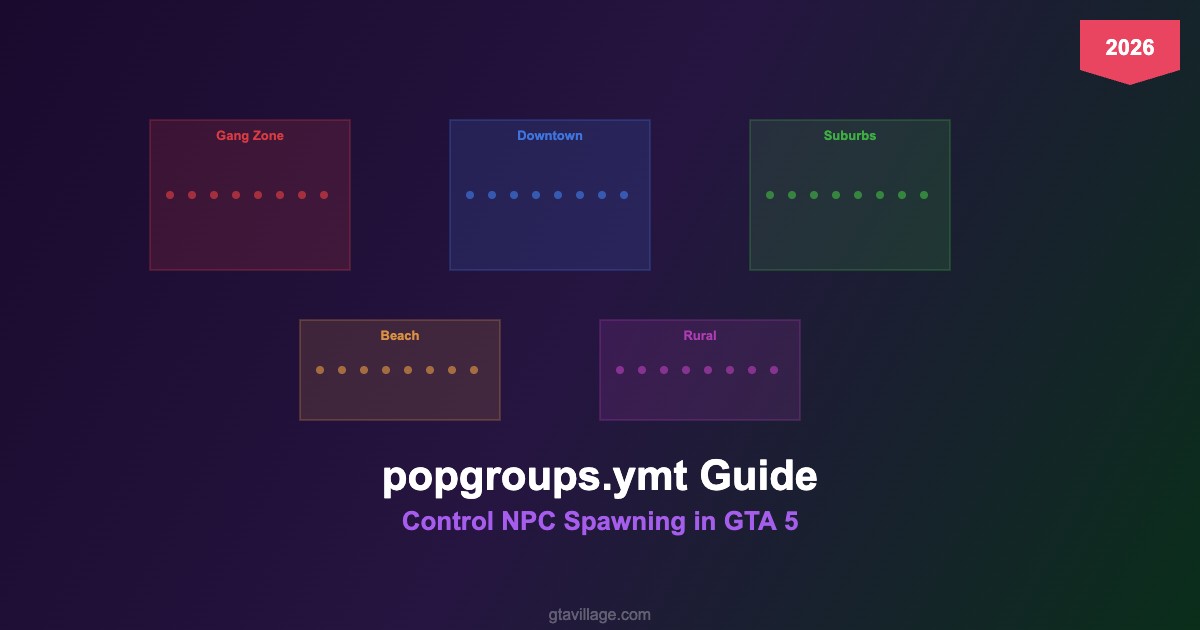
The popgroups.ymt file defines which pedestrian models spawn in each area of GTA 5. It works together with popcycle.dat (which controls density) to determine not just how many NPCs appear, but which specific models populate each zone of Los Santos.
File location: x64a.rpf/data/
How Population Groups Work
| Component | Function | Example |
|---|---|---|
| Group Name | Identifier for the population set |
DOWNTOWN_01, GANG_BALLAS
|
| Ped Model List | Which ped models belong to this group |
a_m_y_downtown_01, a_f_y_business_01
|
| Spawn Weight | Probability of each model spawning (0-100) | Higher weight = more frequent appearance |
| Zone Assignment | Links groups to map zones via popcycle.dat |
VINEWOOD uses group VINEWOOD_01
|
How to Edit popgroups.ymt
- Extract
popgroups.ymtusing OpenIV fromx64a.rpf/data/ - Convert to XML using CodeWalker's RPF Explorer (ymt is binary)
- Edit the XML — add/remove ped models from groups, adjust weights
- Convert back to .ymt format
- Place in
mods/x64a.rpf/data/
Common Use Cases
- Custom gang territories: Assign specific gang ped models to neighborhoods
- Add addon peds to ambient spawns: Include your custom models in population groups
- Themed areas: Make specific zones spawn only certain types (military in Fort Zancudo, bikers in Sandy Shores)
- Remove unwanted peds: Delete models from groups to prevent them from spawning
Important Notes
- Changes require a game restart to take effect
- Adding too many models per group can impact streaming performance
- Test with small changes first — broken popgroups can cause infinite loading
- Always keep a backup of the original
popgroups.ymt





Comments0
Sign in to leave a comment
No comments yet. Be the first to comment!