RAGE Native Database - Complete Function Reference for GTA 5 Modding
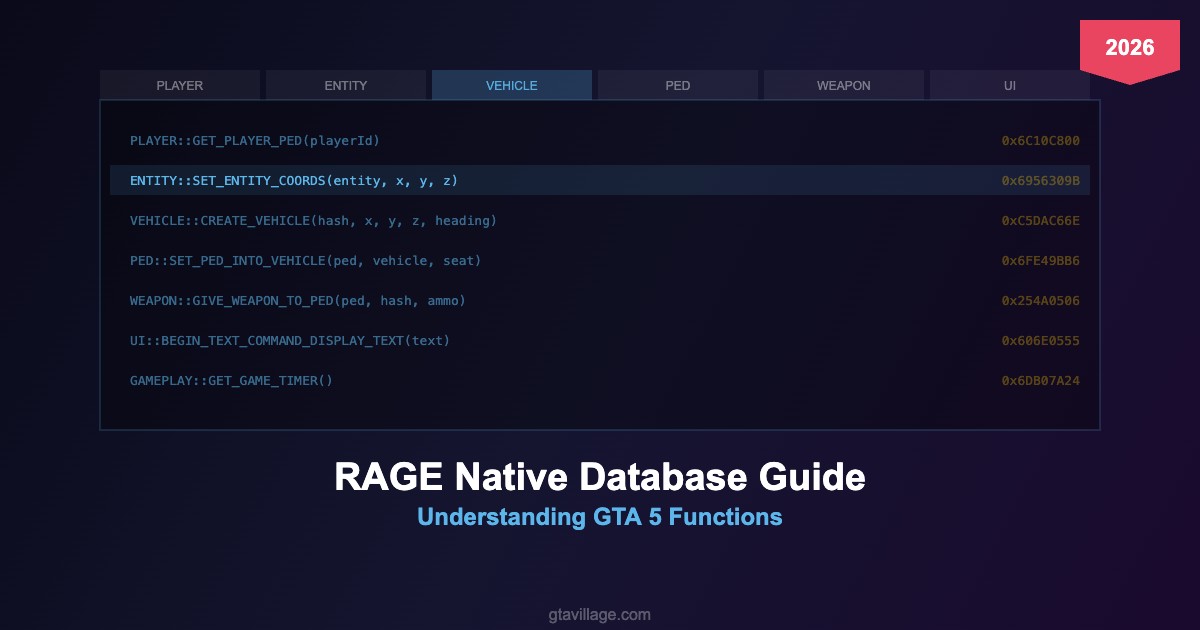
The RAGE Native Database is an essential resource for GTA 5 script modders, providing documentation for all native functions available in the RAGE engine. This guide covers how to navigate and use the database effectively in 2026.
What Are Native Functions?
Native functions are the core engine calls that control every aspect of GTA 5:
| Category | Examples | Purpose |
|---|---|---|
| PLAYER |
GET_PLAYER_PED, SET_PLAYER_INVINCIBLE
|
Player character control |
| VEHICLE |
CREATE_VEHICLE, SET_VEHICLE_COLOURS
|
Vehicle spawning and properties |
| PED |
CREATE_PED, SET_PED_ACCURACY
|
NPC creation and behavior |
| WEAPON |
GIVE_WEAPON_TO_PED, SET_AMMO_IN_CLIP
|
Weapon management |
| ENTITY |
SET_ENTITY_COORDS, DELETE_ENTITY
|
General entity manipulation |
| UI |
DRAW_RECT, SET_TEXT_FONT
|
On-screen UI elements |
| GRAPHICS |
DRAW_MARKER, REQUEST_NAMED_PTFX_ASSET
|
Visual effects and markers |
How to Use the Native Database
- Visit nativedb.dotindustries.dev or similar mirrors
- Browse by namespace (PLAYER, VEHICLE, PED, etc.)
- Search by function name or keyword
- Check parameters — each native lists required arguments and return types
- Read community comments for usage examples and undocumented behavior
Using Natives in Script Mods
How natives are called depends on your modding framework:
| Framework | Language | Example Call |
|---|---|---|
| Script Hook V | C++ | VEHICLE::CREATE_VEHICLE(model, x, y, z, heading, false, false); |
| ScriptHookVDotNet | C# | World.CreateVehicle(model, position); |
| RAGE Plugin Hook | C# | NativeFunction.Natives.CREATE_VEHICLE(model, x, y, z, h, false, false); |
| FiveM (Lua) | Lua | CreateVehicle(model, x, y, z, heading, true, true) |
Common Native Patterns
-
Request before use — models and assets must be loaded with
REQUEST_MODELbefore spawning -
Hash conversion — string names convert to hashes via
GET_HASH_KEY - Pointer arguments — some natives return values through pointer parameters
- Tick-based execution — many operations need to run every frame in a loop
-
Entity cleanup — always
SET_ENTITY_AS_NO_LONGER_NEEDEDto prevent memory leaks
Tips for 2026
- Use updated native databases — new natives are discovered regularly
- Cross-reference with decompiled scripts for real usage examples
- Test natives in a controlled environment before integrating into mods
- Check compatibility with the latest GTA 5 game version





Comments0
Sign in to leave a comment
No comments yet. Be the first to comment!