Best ReShade Presets for GTA 5 in 2026
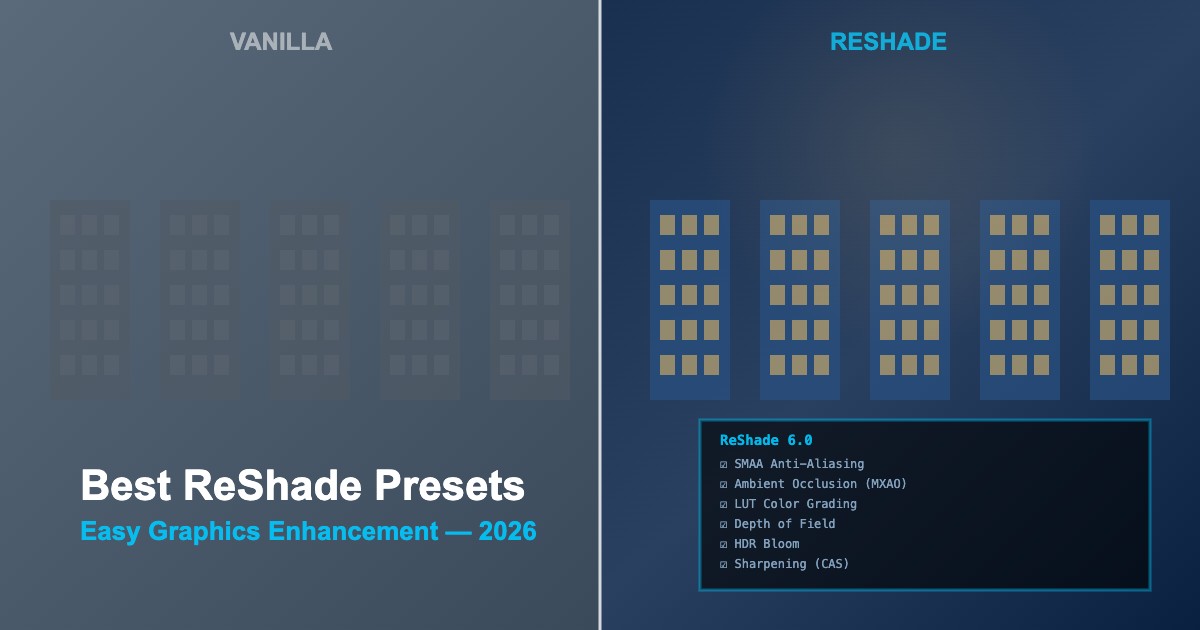
ReShade is the easiest way to enhance GTA 5 graphics without replacing game files. It injects post-processing shaders for better colors, lighting, ambient occlusion, and depth of field — all toggleable in real-time.
What ReShade Can Do
| Shader |
Effect |
FPS Impact |
| SMAA / FXAA |
Anti-aliasing — smooth jagged edges |
Very Low |
| MXAO |
Ambient Occlusion — realistic shadow depth |
Medium |
| LUT |
Color grading — cinematic color palette |
Very Low |
| DOF |
Depth of Field — background blur |
Low-Medium |
| Bloom |
HDR glow on bright areas |
Low |
| CAS / Sharpening |
Crisp image details |
Very Low |
| Tonemapping |
Improved dynamic range |
Very Low |
Installation
-
Download ReShade from
reshade.me
-
Run installer — select
GTA5.exe and choose DirectX 11
-
Install shader packages — select Standard Effects and optionally SweetFX, qUINT
-
Download a preset — .ini file from the mod community
-
Place preset in GTA 5 root folder alongside
GTA5.exe
-
Launch game — press
Home key to open ReShade overlay and select your preset
Top ReShade Presets 2026
| Preset |
Style |
FPS Cost |
Best For |
| NaturalVision ReShade |
Photorealistic |
5-10 FPS |
Realism enthusiasts |
| Marty's ReShade |
Cinematic warm |
3-7 FPS |
Screenshots/video |
| Pure Performance |
Subtle enhancement |
1-3 FPS |
Low-end PCs |
| GTA Realism |
True-to-life colors |
4-8 FPS |
General gameplay |
| Filmic Preset |
Movie-like grading |
3-6 FPS |
Creative content |
Performance Tips
-
Disable in-game AA — use ReShade SMAA instead for better quality at lower cost
-
Skip heavy shaders — disable MXAO and DOF if FPS is low
-
Use LUT + Sharpening — the best quality-to-cost ratio for any PC
-
Toggle with hotkey — assign a key to quickly enable/disable ReShade
-
Screenshot key — set up ReShade's built-in screenshot feature for high-quality captures
Compatibility Notes
-
Works with other mods — ReShade is compatible with ENB, VisualV, NVE, and all script mods
-
GTA Online — ReShade may trigger anti-cheat; use only in Story Mode
-
Game updates — ReShade may need reinstallation after GTA 5 updates
-
Version matching — ensure preset is made for your ReShade version





Comments0
Sign in to leave a comment
No comments yet. Be the first to comment!