Weather Mods for GTA 5 - Realistic Rain, Snow, and Fog
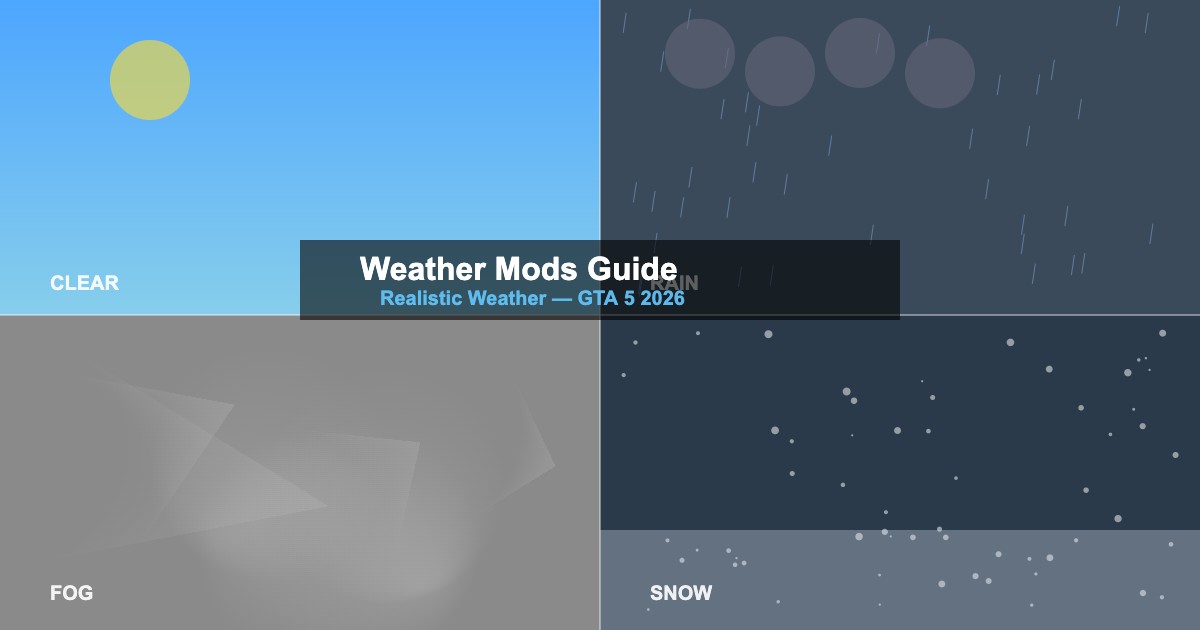
Transform GTA 5's weather system with weather mods for more realistic rain, snow, fog, and storms. This 2026 guide covers installation, the best mods, and how weather files work.
Weather Types in GTA 5
| Weather |
Internal Name |
Moddable? |
| Clear |
EXTRASUNNY, CLEAR
|
Yes — timecycle, clouds |
| Cloudy |
CLOUDS, OVERCAST
|
Yes — cloud textures, lighting |
| Rain |
RAIN, THUNDER
|
Yes — particle effects, puddles |
| Fog |
FOGGY, SMOG
|
Yes — fog density, color |
| Snow |
XMAS, SNOWLIGHT
|
Yes — ground cover, particles |
Key Weather Files
| File |
Location |
Controls |
w_*.xml |
common/data/timecycle/ |
Per-weather lighting and colors |
weather.xml |
common/data/ |
Weather transition settings |
cloudkeyframes.xml |
common/data/ |
Cloud shapes and animations |
ptfx_hi.rpf |
x64a.rpf/data/effects/ |
Rain/snow particle effects |
Top Weather Mods 2026
-
Realistic Rain — improved rain droplets, puddle reflections, and storm effects
-
Snow Mod (Persistent) — year-round snow with ground accumulation
-
Real California Weather — weather patterns matching real Los Angeles climate
-
Volumetric Fog — dense, realistic fog with light scattering
-
Enhanced Thunderstorms — dramatic lightning, heavier rain, wind effects
Installation
- Open OpenIV with mods folder enabled
- Navigate to weather files in
common/data/timecycle/
- Replace
w_rain.xml, w_thunder.xml, etc. with modded versions
- For particle effects, replace files in
x64a.rpf/data/effects/ptfx/
- Some mods also edit
visualsettings.dat for fog and rain density
- Test each weather type using a trainer's weather control
Enabling Snow Outside Christmas
-
Method 1 — Use a trainer to set weather to
XMAS
-
Method 2 — Install a persistent snow mod that replaces ground textures year-round
-
Method 3 — Edit
weather.xml to add XMAS to the regular weather rotation
-
Note — Snow changes road physics (less traction) which affects driving
Performance Tips
-
Rain effects — enhanced rain particles have low FPS impact
-
Snow ground textures — can increase VRAM usage by 500MB-1GB
-
Volumetric fog — most demanding weather mod type; may cost 5-10 FPS
-
Combine carefully — weather mods can conflict with visual overhauls





Comments0
Sign in to leave a comment
No comments yet. Be the first to comment!