Simple Trainer for GTA 5 — Complete Usage Guide 2026
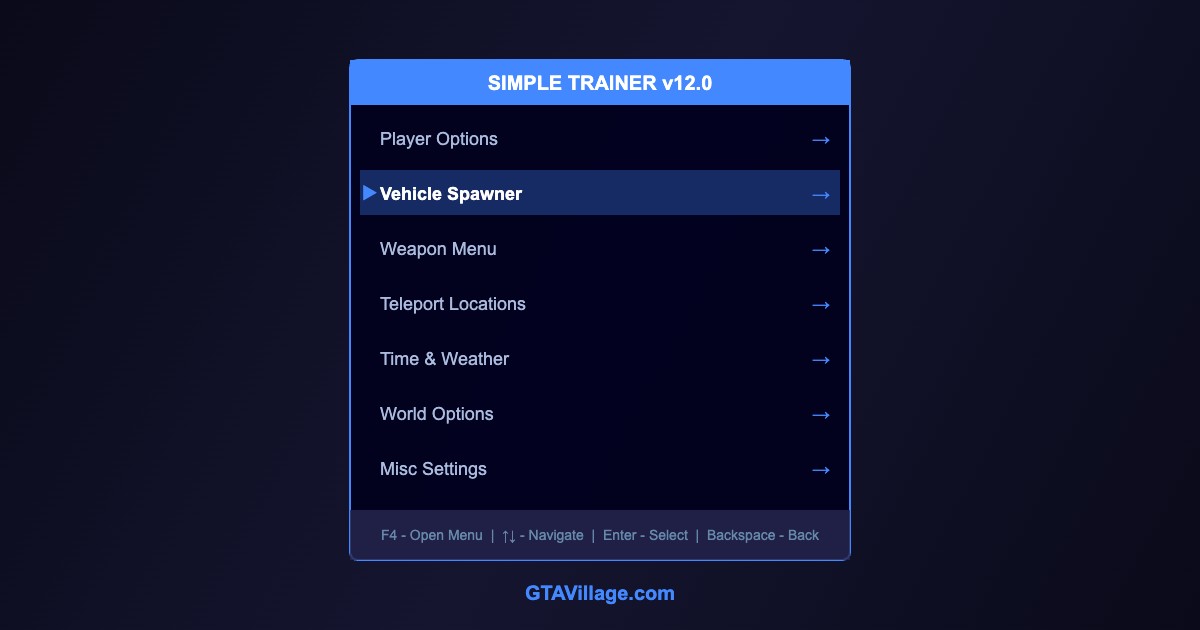
Simple Trainer is the most popular trainer mod for GTA 5 single player. It provides an in-game menu for spawning vehicles, changing weather, teleporting, modifying player stats, and much more.
| Menu Category |
Features |
Popular Uses |
| Player |
God mode, wanted level, model change, fix player |
Invincibility for testing mods |
| Vehicle Spawner |
Spawn any vehicle by name or category |
Testing add-on vehicles |
| Weapon |
Give all weapons, infinite ammo, explosive bullets |
Combat testing |
| Teleport |
Map markers, saved locations, coordinates |
Quick travel around map |
| Time & Weather |
Set time, freeze time, change weather |
Screenshots, cinematic work |
| World |
Gravity, traffic density, ped density |
Performance testing |
Installation
- Download Script Hook V — this is required for Simple Trainer
- Extract
ScriptHookV.dll and dinput8.dll to the GTA 5 root folder
- The trainer (
NativeTrainer.asi) comes bundled with Script Hook V
- For the enhanced version, download Enhanced Native Trainer separately
- Place the
.asi file in the GTA 5 root directory
- Launch the game and press F4 to open the trainer menu
Essential Hotkeys
| Key |
Action |
F4 |
Open/close trainer menu |
Num 2/8 |
Navigate menu up/down |
Num 5 |
Select/confirm |
Num 0 |
Go back |
Num 4/6 |
Adjust values left/right |
Tips and Tricks
- Use Vehicle Spawner to test newly installed add-on cars by typing their spawn name
-
Freeze Time is essential for cinematic screenshots at the perfect golden hour
- The Teleport to Marker feature saves huge amounts of time when testing mods
- Enable God Mode when testing combat mods to avoid dying
- Use No Wanted Level for uninterrupted exploration and modding
- Simple Trainer only works in Story Mode — never in GTA Online





Comments0
Sign in to leave a comment
No comments yet. Be the first to comment!