Custom Handling in GTA 5 — Vehicle Physics Guide 2026
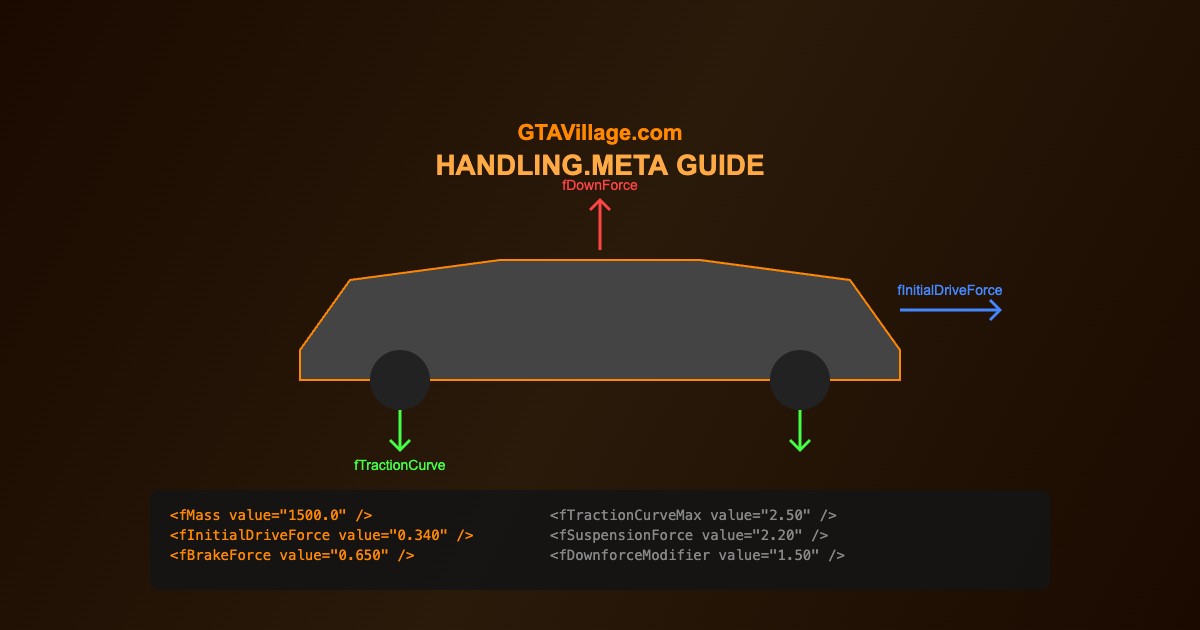
The handling.meta file controls every aspect of vehicle physics in GTA 5 — from top speed and acceleration to suspension, traction, and braking. Learn how to create and modify handling for any vehicle.
| Parameter | What It Controls | Typical Range |
|---|---|---|
fMass |
Vehicle weight in kg | 800 - 5000 |
fInitialDriveForce |
Acceleration/engine power | 0.1 - 0.5 |
fBrakeForce |
Braking power | 0.3 - 1.5 |
fTractionCurveMax |
Maximum grip level | 1.5 - 3.0 |
fSuspensionForce |
Spring stiffness | 1.0 - 4.0 |
fDownforceModifier |
Aerodynamic downforce at speed | 0.0 - 5.0 |
fInitialDragCoeff |
Air resistance (limits top speed) | 1.0 - 20.0 |
Editing Handling.meta
- Open OpenIV and navigate to
mods/update/update.rpf/common/data/ - Find
handling.metaand export it - Open in a text editor (Notepad++ recommended)
- Find your vehicle by searching for its handlingName (e.g.,
SULTAN) - Modify the desired parameters
- Save and import back into the RPF archive
- Test in-game and iterate
Key Physics Parameters Explained
- fMass — heavier vehicles feel more stable but accelerate slower
- fInitialDriveForce — higher values = faster acceleration, too high = unrealistic
- fDriveInertia — how quickly RPM changes, affects throttle response
- fTractionCurveMax/Min — grip range; Max is grip at optimal slip, Min is at full lock
- fTractionBiasFront — 0.5 = equal grip, lower = more rear grip, higher = more front
- fSuspensionCompDamp — compression damping, affects bump absorption
Handling Presets by Type
- Sports Car: low mass (1400), high drive force (0.35), high traction (2.5), stiff suspension
- Drift Car: low rear traction bias (0.44), reduced traction curve, higher inertia
- Off-Road: high suspension travel, soft springs, high ground clearance
- Heavy Truck: high mass (8000+), low drive force, soft but long suspension
Testing Tips
- Use Simple Trainer to spawn the vehicle instantly after each edit
- Test on different surfaces — road, dirt, grass, wet
- Check behavior at different speeds — low speed handling vs high speed stability
- Compare to real-world specs if aiming for realism
- Small changes (0.01-0.05) can have big effects — adjust incrementally





Comments0
Sign in to leave a comment
No comments yet. Be the first to comment!