ScriptHookVDotNet Not Working — Complete Fix Guide (2026)
ScriptHookVDotNet (SHVDN) is required for .NET-based GTA 5 mods. If your script mods are not loading, this guide covers every common issue and fix for SHVDN problems in 2026.
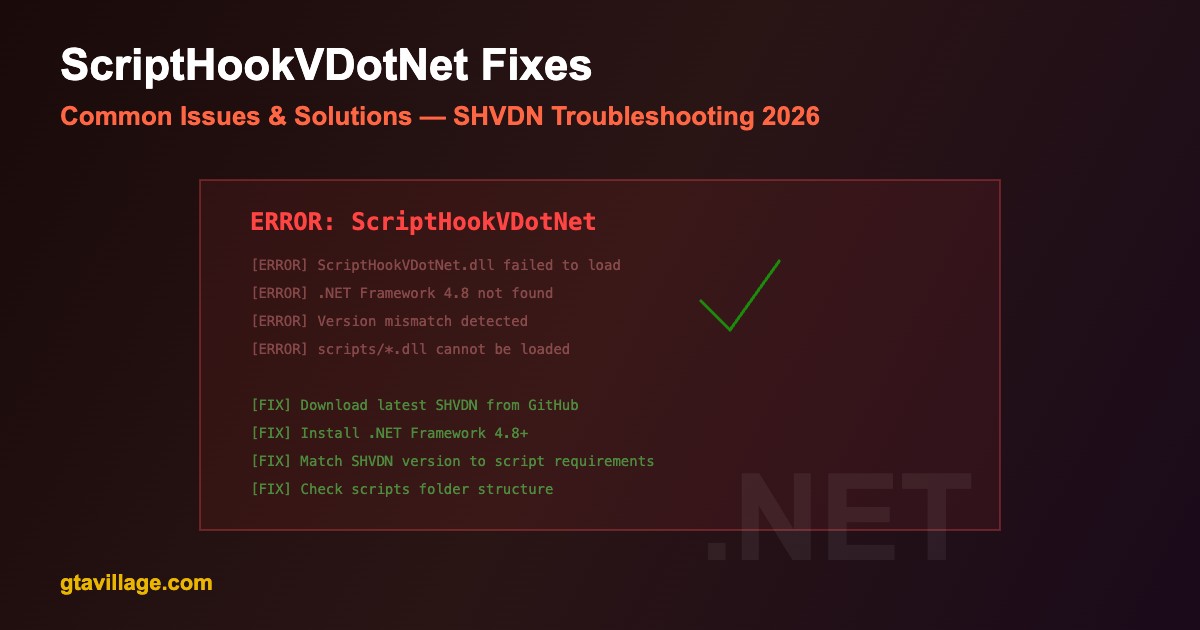
Common Errors & Solutions
| Error |
Cause |
Fix |
| Scripts not loading |
Wrong SHVDN version |
Match SHVDN version to mod requirements (v2 vs v3) |
| .NET Framework error |
Missing runtime |
Install .NET Framework 4.8+ from Microsoft |
| Game crash on load |
Incompatible script |
Remove scripts one by one to find culprit |
| SHVDN.asi not loading |
Missing ScriptHookV |
Install ScriptHookV first — SHVDN depends on it |
| Scripts folder ignored |
Wrong location |
Ensure scripts folder is in GTA 5 root directory |
| Version mismatch |
Script needs different SHVDN |
Check mod page for required SHVDN version |
Step-by-Step Fix Process
- Verify ScriptHookV is installed and working (
ScriptHookV.dll + dinput8.dll in root)
- Download correct SHVDN version from GitHub (v2.x or v3.x depending on your mods)
- Place
ScriptHookVDotNet.asi, ScriptHookVDotNet2.dll, and ScriptHookVDotNet3.dll in GTA 5 root
- Create a
scripts folder in GTA 5 root if it does not exist
- Place your .dll mod scripts inside the
scripts folder
- Install .NET Framework 4.8 or later from Microsoft
- Launch the game and check
ScriptHookVDotNet.log for errors
SHVDN Version Compatibility
| SHVDN Version |
Target .NET |
Compatible Scripts |
| SHVDN v2.x |
.NET Framework 4.8 |
Older mods (2017-2020 era) |
| SHVDN v3.x |
.NET Framework 4.8 |
Modern mods (2020+ era) |
| Both installed |
.NET Framework 4.8 |
Maximum compatibility |
File Structure Check
-
GTA5/dinput8.dll — ScriptHookV loader
-
GTA5/ScriptHookV.dll — ScriptHookV core
-
GTA5/ScriptHookVDotNet.asi — SHVDN loader
-
GTA5/ScriptHookVDotNet2.dll — SHVDN v2 runtime
-
GTA5/ScriptHookVDotNet3.dll — SHVDN v3 runtime
-
GTA5/scripts/*.dll — your script mods go here
Diagnostic Steps
- Check
ScriptHookVDotNet.log in GTA 5 root for detailed error messages
- Check
ScriptHookV.log to verify SHV itself is loading
- Run GTA 5 as administrator to rule out permission issues
- Temporarily disable antivirus — some AV block .dll injection
- Verify game version matches ScriptHookV version





Comments0
Sign in to leave a comment
No comments yet. Be the first to comment!