ScriptHookVDotNet Installation Guide — Step by Step (2026)
ScriptHookVDotNet (SHVDN) enables .NET-based script mods in GTA 5. Most popular script mods require SHVDN to function. This tutorial walks you through a clean installation from scratch.
Prerequisites
| Requirement |
Version |
Source |
| GTA 5 |
Any version |
Steam/Epic/Rockstar |
| ScriptHookV |
Latest matching game version |
dev-c.com |
| .NET Framework |
4.8 or later |
Microsoft |
| ScriptHookVDotNet |
v2.x and/or v3.x |
GitHub |
| Visual C++ Redistributable |
2019+ |
Microsoft |
Installation Steps
-
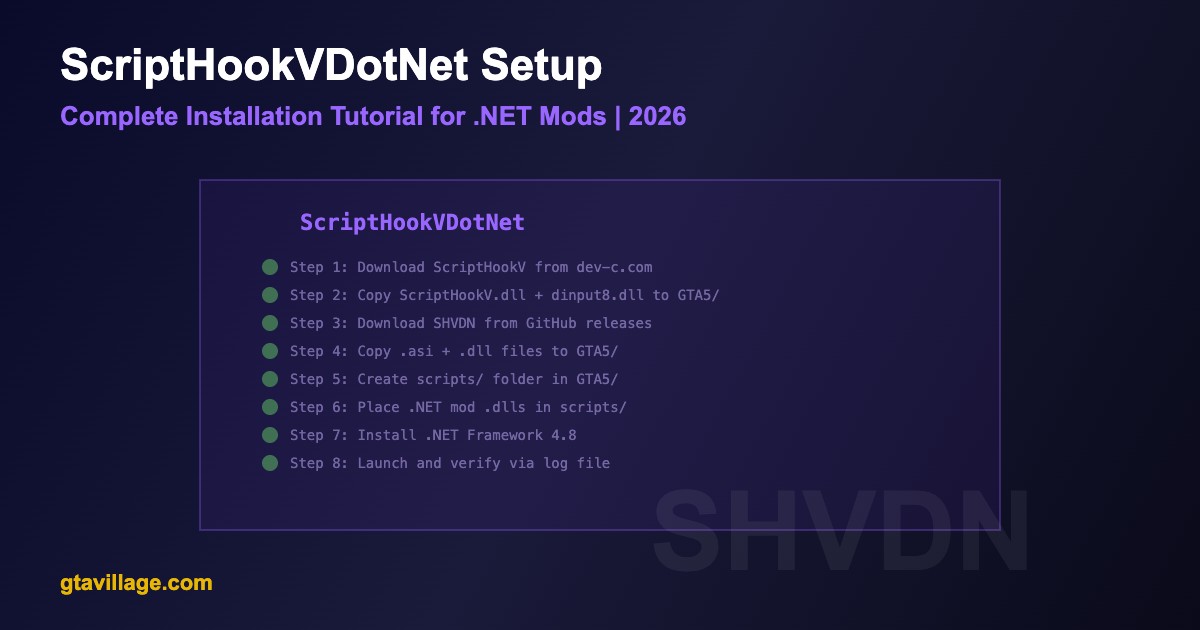
Install ScriptHookV first — download from dev-c.com, copy
ScriptHookV.dll and dinput8.dll to GTA 5 root
-
Download SHVDN — go to GitHub releases page, download the latest release ZIP
-
Extract SHVDN files — copy these to GTA 5 root directory:
ScriptHookVDotNet.asiScriptHookVDotNet2.dllScriptHookVDotNet3.dll
-
Create scripts folder — create a folder named
scripts inside your GTA 5 root
-
Install .NET Framework 4.8 — download and install from Microsoft if not already present
-
Install Visual C++ 2019+ — required by many .NET mods
-
Place mod scripts — put your .dll mod files inside the
scripts folder
-
Launch and test — start GTA 5 and check
ScriptHookVDotNet.log in root for status
SHVDN v2 vs v3
| Aspect |
SHVDN v2 |
SHVDN v3 |
| API Version |
Older API |
Modern rewritten API |
| Script Compatibility |
2015-2020 era mods |
2020+ modern mods |
| Performance |
Good |
Better (optimized) |
| Install Both? |
Yes — install both for maximum compatibility |
Verification
- Check
ScriptHookVDotNet.log — should show "Loading scripts..." and list loaded .dll files
- In-game test — if scripts have menus (press their hotkeys), they should appear
- Common scripts to test with: Simple Trainer, Menyoo, Enhanced Native Trainer
Common Mistakes
-
Placing .dll mods in root instead of scripts/ — SHVDN only loads from the scripts folder
-
Using wrong SHVDN version — some mods need v2, others v3; read the mod description
-
Forgetting ScriptHookV — SHVDN cannot work without ScriptHookV installed first
-
Game version mismatch — ScriptHookV must match your GTA 5 version exactly
-
Missing .NET Framework — .NET 4.8+ is required even on Windows 10/11





Comments0
Sign in to leave a comment
No comments yet. Be the first to comment!