FiveM Status HUD — Essential Player Needs Display
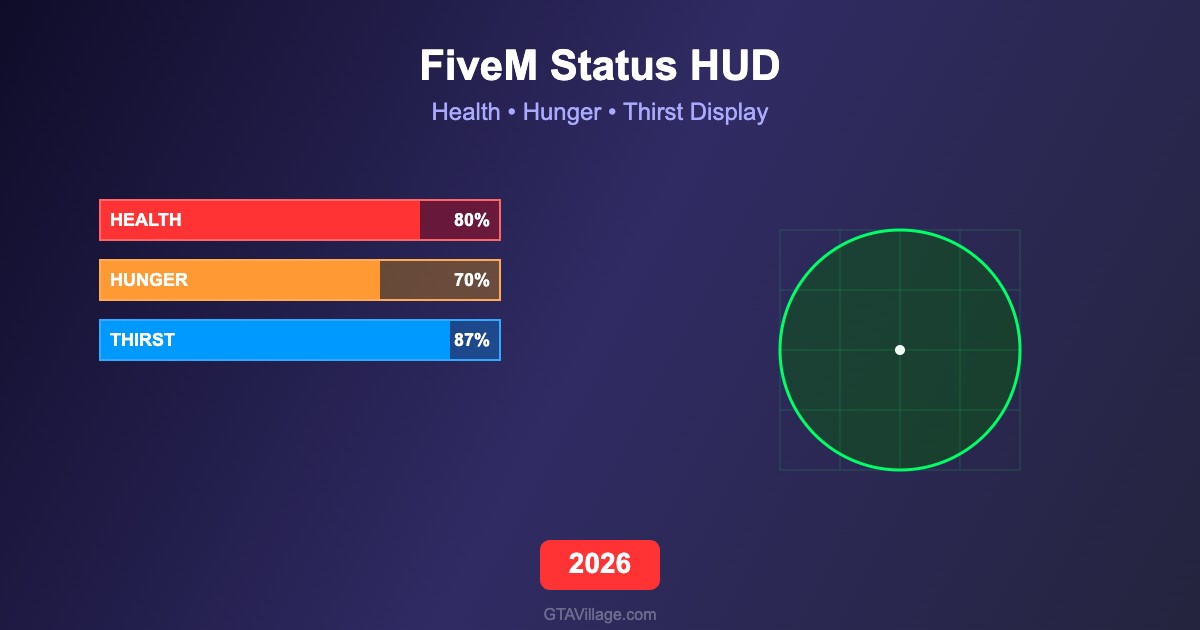
The FiveM Status HUD script adds a comprehensive needs system to your FiveM roleplay server, displaying health, hunger, thirst, and stamina bars in a clean, modern interface. This essential resource gives players real-time feedback on their character's physical condition, creating deeper immersion and encouraging realistic roleplay behavior around basic survival needs.
Complete Needs Tracking System
This HUD tracks multiple vital statistics simultaneously including health points, hunger level, thirst level, stamina, and optionally stress and armor. Each stat decreases naturally over time based on configurable rates, requiring players to eat food, drink beverages, and rest to maintain their character's wellbeing. The system integrates seamlessly with popular inventory and food scripts.
Customizable UI Design
The Status HUD features a fully customizable interface with multiple layout options including circular indicators, horizontal bars, and minimal icon-based displays. Server owners can adjust colors, positions, sizes, opacity, and animation styles through a simple configuration file. The HUD automatically hides when all stats are full and appears smoothly when values drop below configurable thresholds.
Framework Compatible
Built with broad compatibility in mind, this Status HUD works with ESX, QBCore, and standalone FiveM frameworks. It includes built-in exports for other scripts to read and modify player status values, making integration with restaurants, stores, hospitals, and other roleplay systems effortless. The lightweight design ensures zero impact on server performance.
Installation and Setup
Drop the resource folder into your server's resources directory and add it to your server.cfg. Configure the status decay rates, UI appearance, and framework connection in the config.lua file. The HUD works immediately with default settings and can be fine-tuned to match your server's specific gameplay balance and visual theme.





Comments0
Sign in to leave a comment
No comments yet. Be the first to comment!