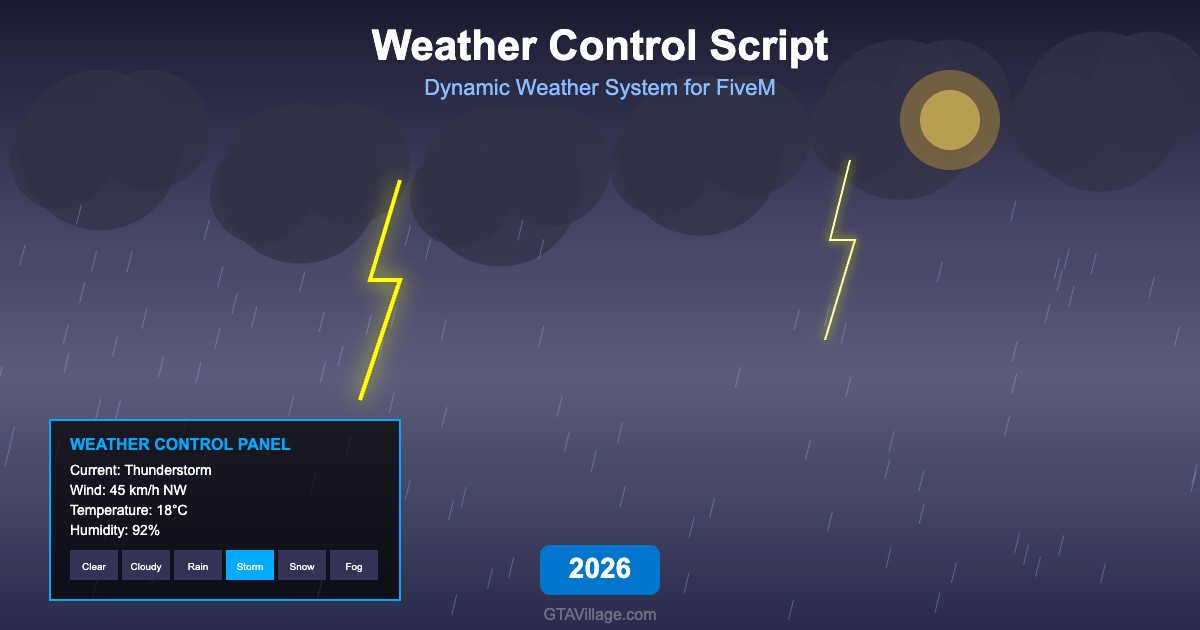
FiveM Weather Control Script — Dynamic Weather Management
The FiveM Weather Control Script gives server administrators and players complete control over the in-game weather system with a comprehensive management interface. This dynamic weather resource supports synchronized weather across all players, scheduled weather patterns, smooth transitions between weather types, and admin commands for instant weather changes, making it essential for immersive roleplay environments.
Complete Weather Type Library
Access every GTA weather type including clear skies, scattered clouds, overcast, light rain, thunderstorms, clearing weather, neutral conditions, snow, blizzard, Christmas atmosphere, Halloween themes, fog, and smog. Each weather type transitions smoothly to the next with configurable transition durations, preventing jarring visual changes. The system supports custom weather cycles that automatically rotate through selected patterns.
Admin Control Panel
Server administrators can control weather through multiple interfaces including in-game command menu, Discord bot integration, and server console commands. Set weather for specific zones, create weather schedules based on real-world time, freeze weather for events, and configure wind speed and direction independently. The admin panel also supports permission-based access so trusted players can manage weather for RP events like storms or snow days.
Synchronized Weather System
Unlike client-side weather mods, this script ensures every player on the server experiences identical weather conditions simultaneously. The synchronization system handles player joining mid-transition, prevents desync issues during rapid changes, and includes a time-of-day system that can be linked to weather patterns. Sunrise and sunset times adjust based on the current weather for added realism.
Installation and Configuration
Add the resource to your FiveM server and configure weather cycles, transition speeds, default weather, and admin permissions in the config file. Works with ESX, QBCore, and standalone setups. The script includes exports for other resources to read current weather conditions and request changes, enabling integration with farming scripts, fishing systems, and other weather-dependent gameplay mechanics.





Comments0
Sign in to leave a comment
No comments yet. Be the first to comment!