Ultimate Backup — AI Partner & Backup System for LSPDFR (2026)
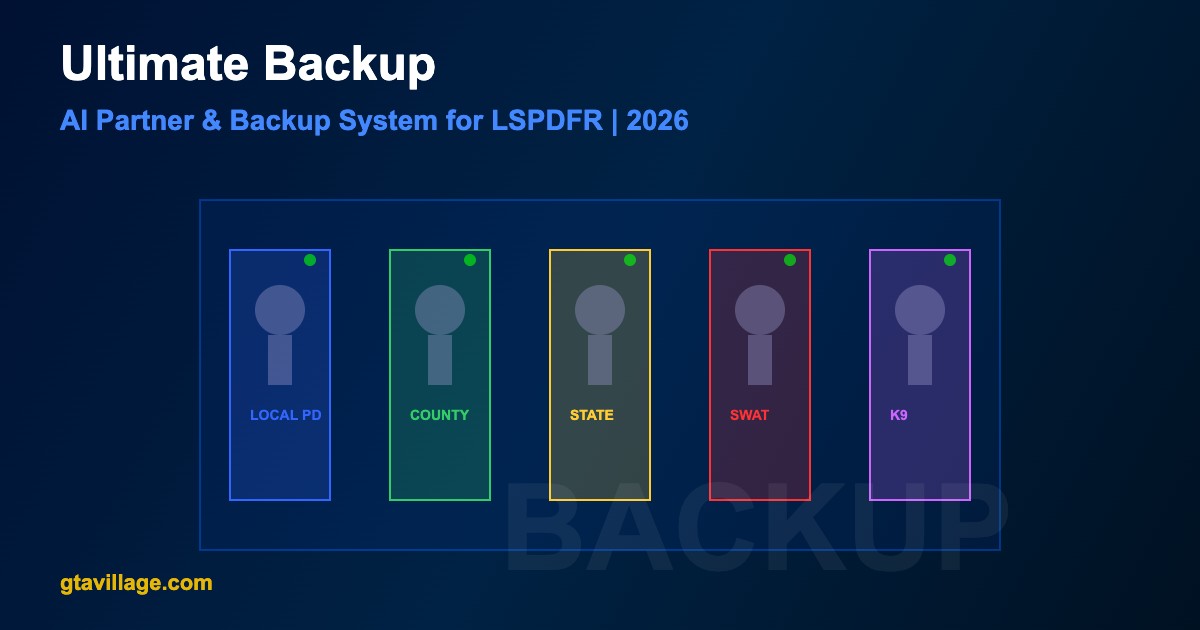
Ultimate Backup is an essential LSPDFR plugin that lets you call realistic AI backup units during your patrol. Request local police, county sheriff, state troopers, SWAT teams, K9 units, fire trucks, and ambulances — all with customizable vehicles and response behaviors.
Available Backup Units
| Unit Type |
Response |
Vehicles |
Best For |
| Local Patrol |
Fast (1-2 min) |
Patrol cars |
General backup, traffic stops |
| County Sheriff |
Medium (2-3 min) |
Sheriff cruisers |
Rural area backup |
| State Highway Patrol |
Medium (2-4 min) |
Highway interceptors |
Highway pursuits |
| SWAT/Tactical |
Slow (3-5 min) |
Armored vehicles |
Hostage, armed suspects |
| K9 Unit |
Medium (2-3 min) |
K9 patrol car + dog |
Drug searches, suspect tracking |
| Air Support |
Medium (2-4 min) |
Police helicopter |
Aerial pursuit support |
| Fire Department |
Medium (2-3 min) |
Fire truck, engine |
Accident scenes, fires |
| EMS/Ambulance |
Fast (1-2 min) |
Ambulance |
Medical emergencies |
Installation
- Download Ultimate Backup from LCPDFR.com
- Ensure LSPDFR 0.4.9+ and RAGE Plugin Hook are installed
- Extract the archive and copy
UltimateBackup.dll to plugins/LSPDFR/
- Copy the
UltimateBackup config folder to plugins/LSPDFR/
- Optionally install compatible ELS vehicle packs for realistic emergency vehicles
- Launch through RAGE Plugin Hook and go on duty
Controls
| Key |
Action |
B |
Open backup request menu |
Numpad 1 |
Quick request: Local patrol |
Numpad 2 |
Quick request: County unit |
Numpad 3 |
Quick request: State patrol |
Numpad 4 |
Quick request: SWAT |
Numpad 5 |
Quick request: K9 |
Numpad 9 |
Dismiss all backup units |
Configuration Guide
-
Vehicle assignments — edit XML config files to assign specific vehicle models to each unit type
-
Response times — adjust
ResponseTime values (in seconds) per unit type
-
Ped models — configure which ped models are used for each agency's officers
-
Weapons loadout — set default weapons for backup officers (pistol, shotgun, rifle)
-
Max units — limit how many backup units can be active simultaneously to prevent performance issues
-
Siren behavior — configure whether backup arrives with lights/sirens or in stealth mode
Tips for Best Experience
- Install ELS (Emergency Lighting System) for realistic light patterns on backup vehicles
- Use custom vehicle packs matching your preferred department (LSPD, BCSO, SAHP)
- Combine with Stop The Ped for enhanced interactions when backup arrives
- Keep max active units at 4-6 to maintain good FPS performance
- Use K9 units during drug-related callouts for extra immersion





Comments0
Sign in to leave a comment
No comments yet. Be the first to comment!