Police SmartRadio — Realistic Dispatch Radio for LSPDFR (2026)
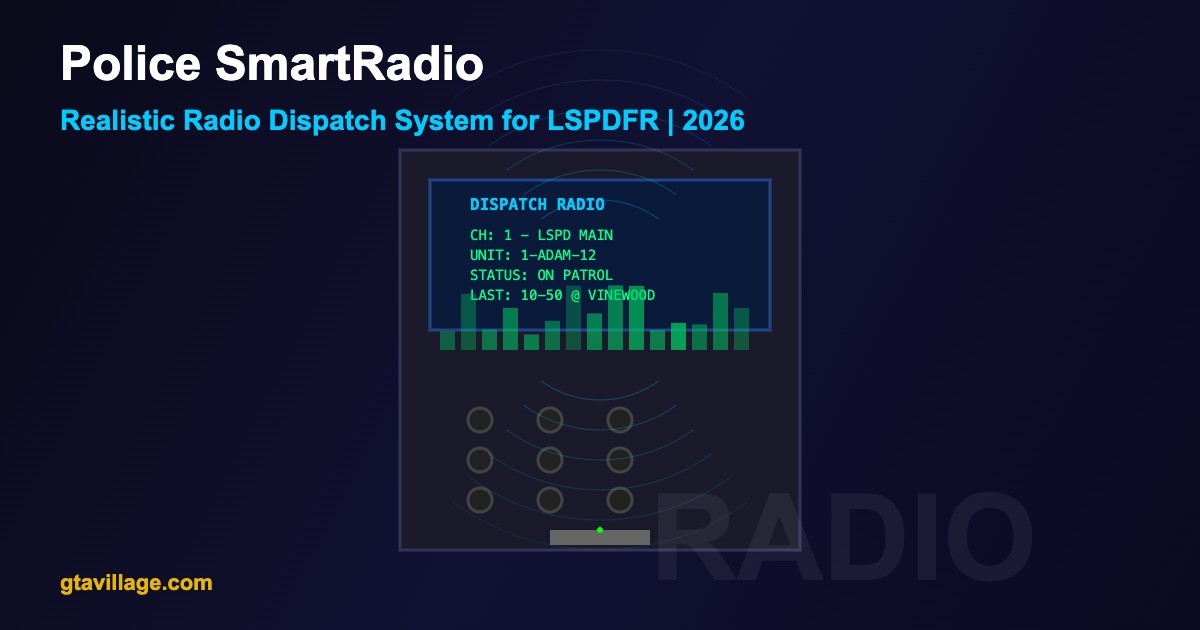
Police SmartRadio replaces LSPDFR's basic radio system with a realistic, interactive police radio. Hear dispatch calls with proper 10-codes, switch between radio channels, communicate with other units, and experience authentic law enforcement radio chatter.
SmartRadio Features
| Feature |
Description |
| Multiple Channels |
Switch between dispatch, tactical, fire/EMS, and department channels |
| 10-Code System |
Authentic police radio codes for all communications |
| Voice Dispatch |
Audio dispatch calls with realistic radio voice effects |
| Unit Communication |
Hear other AI units responding and communicating |
| Status Updates |
Report your status (10-8, 10-7, 10-6) to dispatch |
| Custom Audio |
Add your own audio files for custom dispatch calls |
| Radio Chatter |
Ambient background radio traffic for immersion |
Installation
- Download Police SmartRadio from LCPDFR.com
- Ensure LSPDFR 0.4.9+ and RAGE Plugin Hook are installed
- Extract the archive to your GTA 5 root directory
- Copy
PoliceSmartRadio.dll to plugins/LSPDFR/
- Copy the
PoliceSmartRadio audio and config folders to plugins/LSPDFR/
- Launch via RAGE Plugin Hook and go on duty
Common 10-Codes Used
| Code |
Meaning |
Usage |
| 10-4 |
Acknowledged / Copy |
Confirm receipt of message |
| 10-6 |
Busy |
Currently handling a situation |
| 10-7 |
Out of Service |
Going off duty or break |
| 10-8 |
In Service |
Available for calls |
| 10-20 |
Location |
Requesting/giving your position |
| 10-50 |
Traffic Accident |
Vehicle collision reported |
| 10-80 |
Vehicle Pursuit |
Chase in progress |
| 10-99 |
Officer Needs Help |
Emergency backup request |
Radio Channels
-
Channel 1 — Main Dispatch: Primary dispatch channel for all patrol units
-
Channel 2 — Tactical: Used during active pursuits and SWAT operations
-
Channel 3 — Fire/EMS: Fire department and ambulance communications
-
Channel 4 — County: BCSO (Blaine County Sheriff) dispatch
-
Channel 5 — Highway: SAHP (San Andreas Highway Patrol) communications
Controls
| Key |
Action |
T |
Open radio menu |
Page Up |
Next radio channel |
Page Down |
Previous radio channel |
Y |
Accept dispatch call |
N |
Decline dispatch call |
Home |
Toggle radio volume |
Customization
- Add custom audio files in
.wav format to the audio folder for personalized dispatch calls
- Edit
config.ini to change radio code style (10-codes, phonetic alphabet, plain English)
- Adjust radio static/noise level for desired realism
- Configure which callout types trigger which radio codes
- Set dispatch call frequency and ambient chatter volume independently





Comments0
Sign in to leave a comment
No comments yet. Be the first to comment!