Vehicle mod
Buckingham Valkyrie [Mapped | Stock]
Download mod6.06 MB
On this page
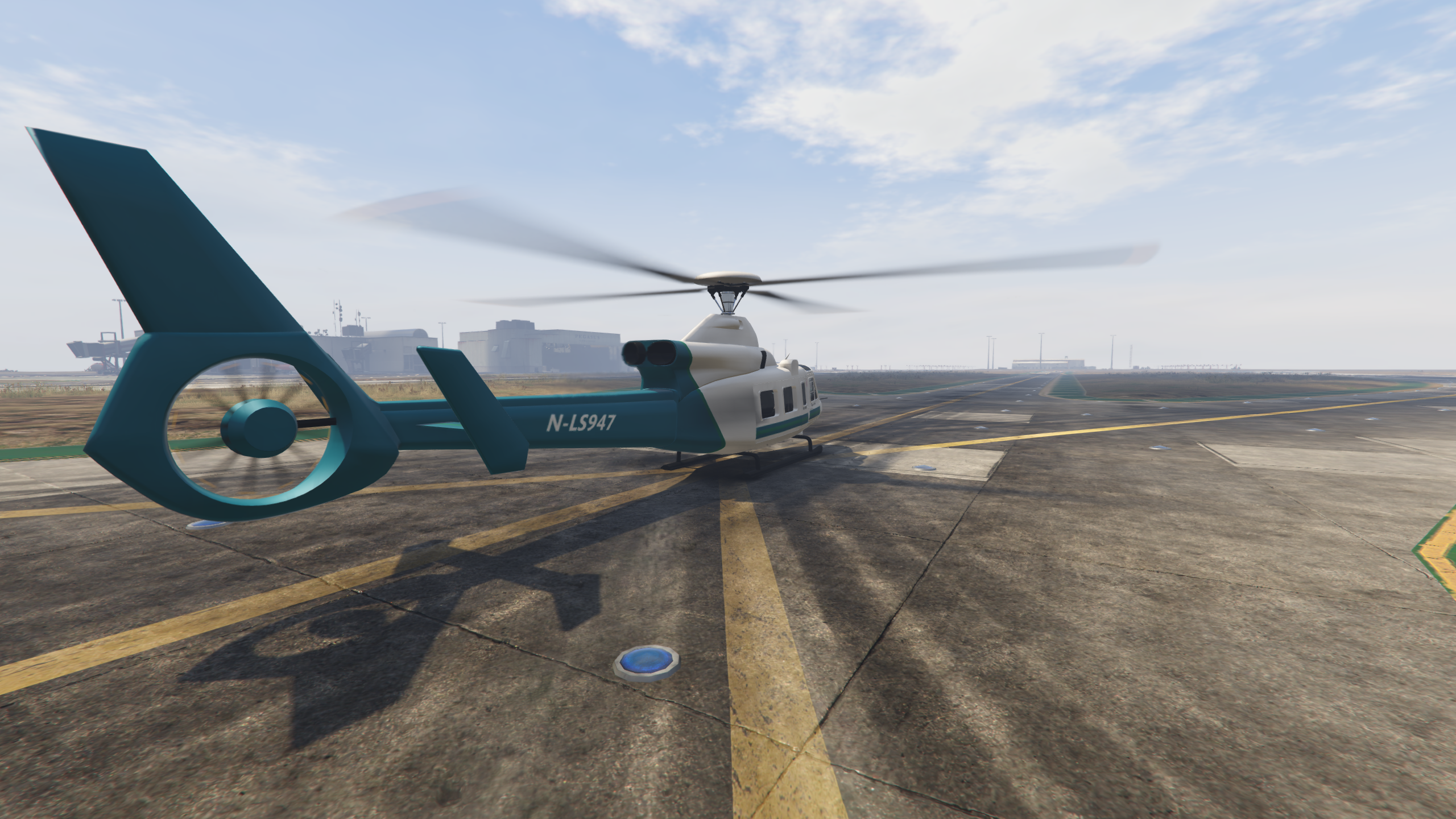
Experience the Mapped and Improved Edition of the 'valkyrie' Helicopter
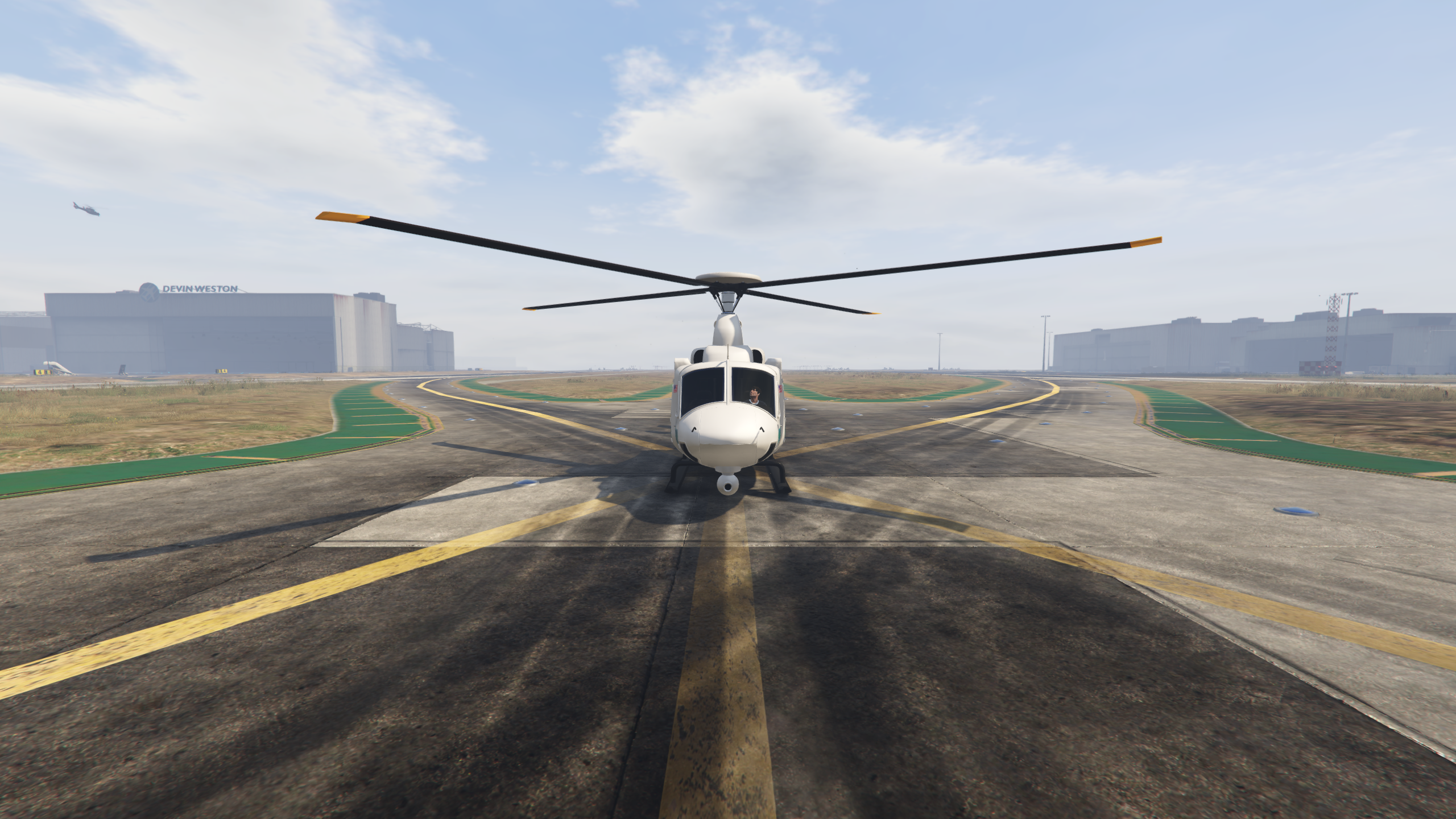
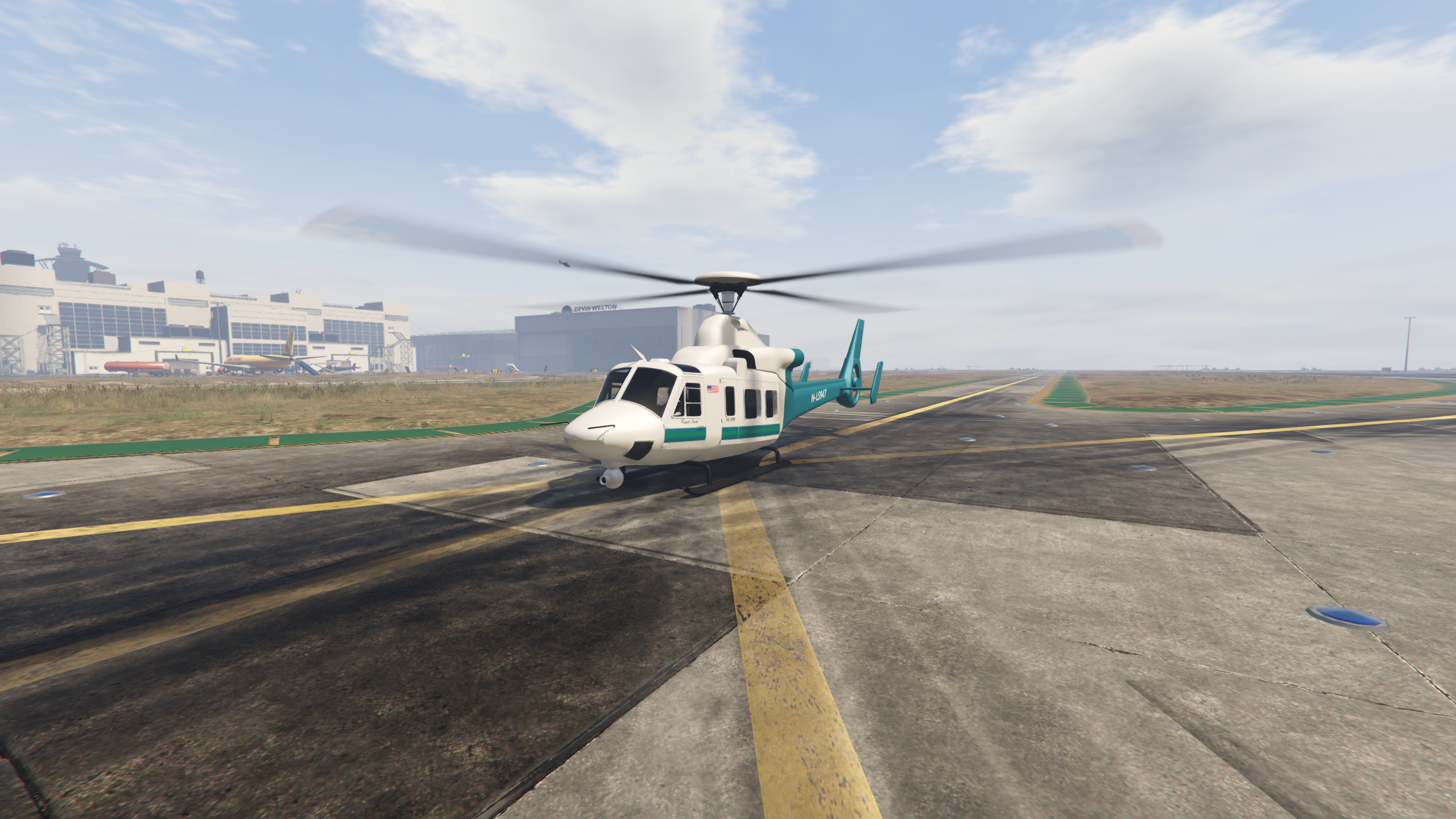
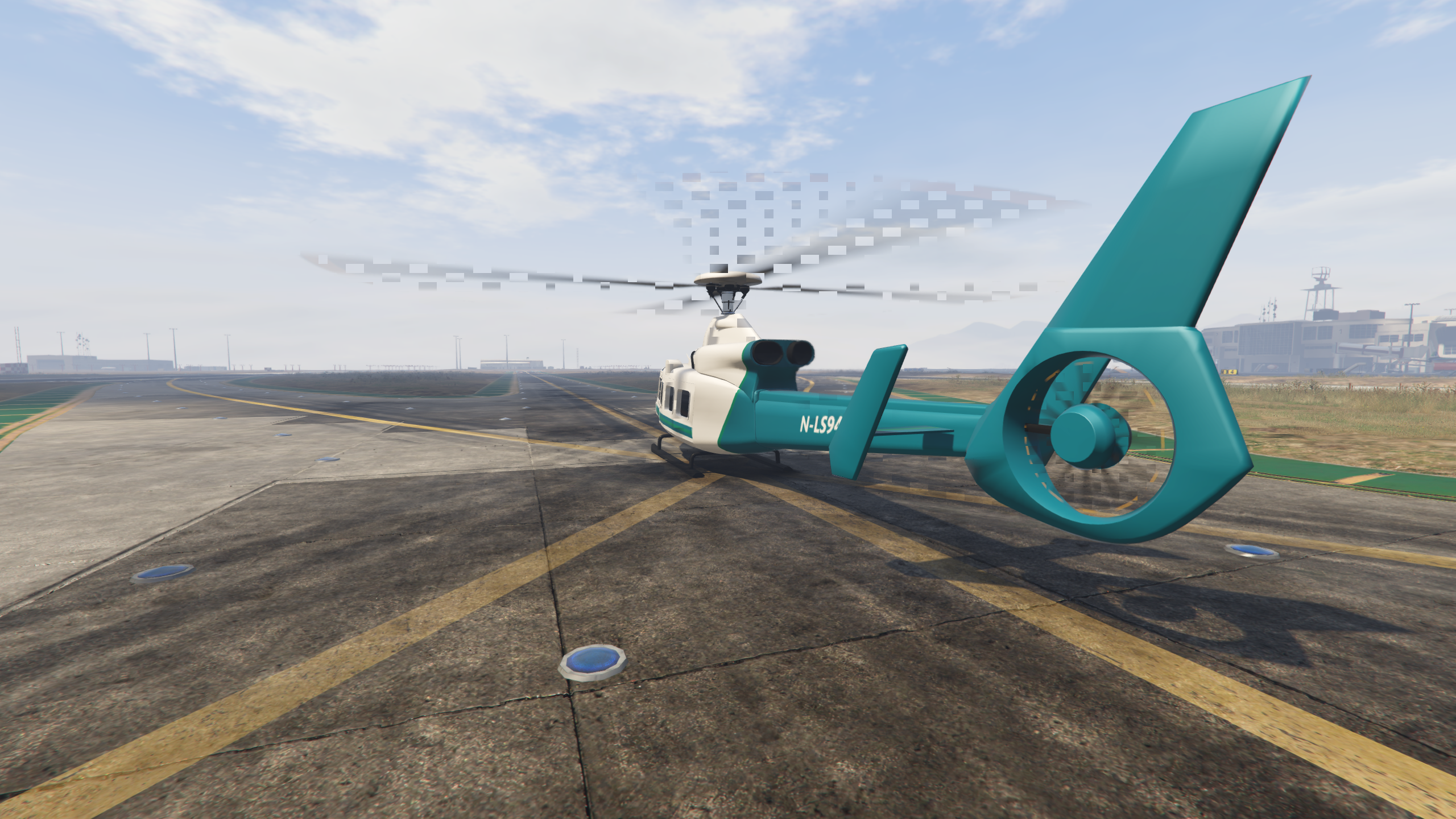
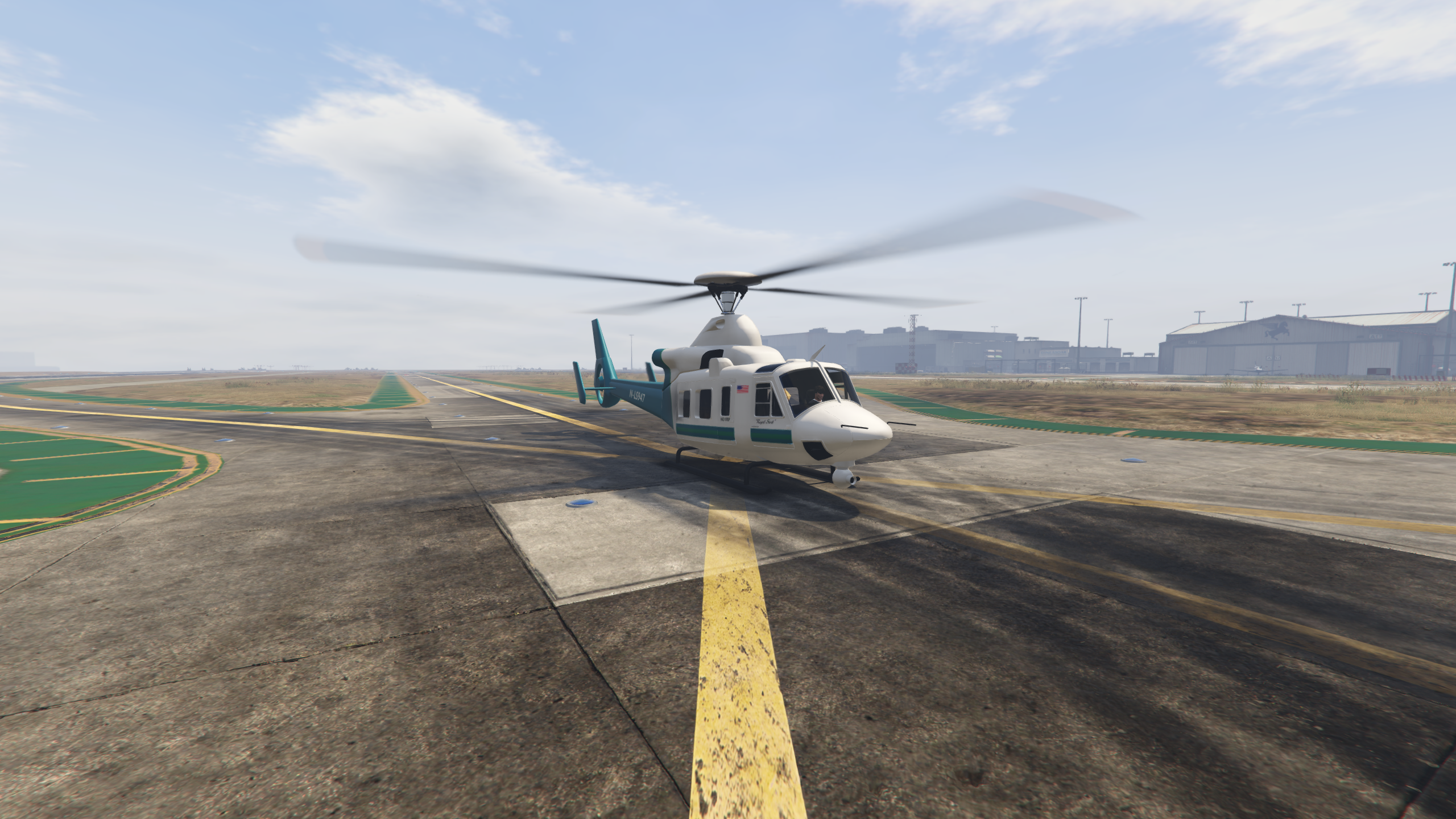
Discover the enhanced Buckingham Valkyrie, now featuring fully operational doors and a sleek, mapped design. Ideal for enhancing your GTA 5 experience, this version provides an improved aesthetic and functionality.
Features:
- Fully working doors for a realistic experience
- Updated mapping for an improved visual appeal
- Spawn Name: 'valkyrie3'
Changelog:
- 1.0 - Initial Release
Credits:
Special thanks to the contributors who made this mod possible:
- Rockstar - Original Model
- Da7k - Door Model
- Nacho - Livery
- (Ambient) - Screenshots
Installation Steps:
- Download the mod files and extract them.
- Open your GTA 5 main directory.
- Navigate to the 'mods' folder. If it doesn’t exist, create one.
- Place the extracted mod files into the 'dlcpacks' folder in your 'mods' directory.
- Edit the 'dlclist.xml' file located in 'mods\update\update.rpf\common\data\'. Add the following line: <Item>dlcpacks:\valkyrie3\</Item>
- Save the file and close it.
- Launch GTA 5 and use a trainer to spawn the helicopter by entering 'valkyrie3'.
Enhance your gameplay with the upgraded Buckingham Valkyrie and enjoy the added realism and polished design. Download now and take to the skies in style!
Screenshots
More about Aircraft
View all Vehicle modAircraft Mods Pack for GTA 5 - Best Planes and Jets 2026
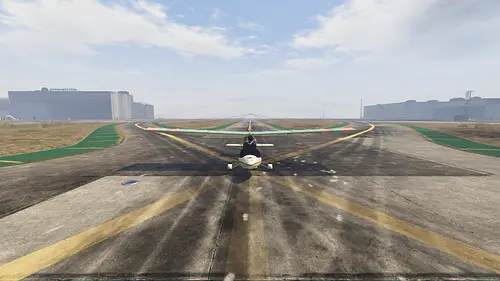 Vehicle modDrifter Ultralight Airplane [Add-On]
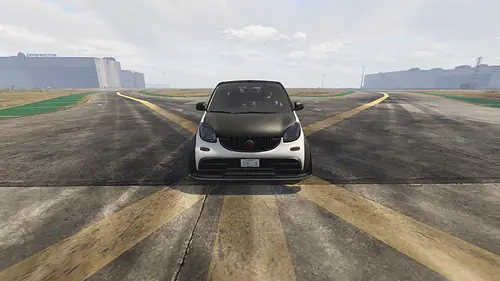 Vehicle modM13 Smart Bellator [Add-On / Replace | FiveM]
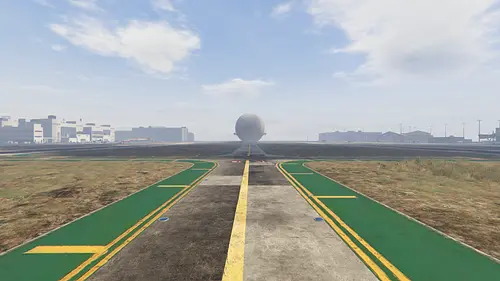 Vehicle modHindenburg Zeppelin [Add-On / Replace I LODs]
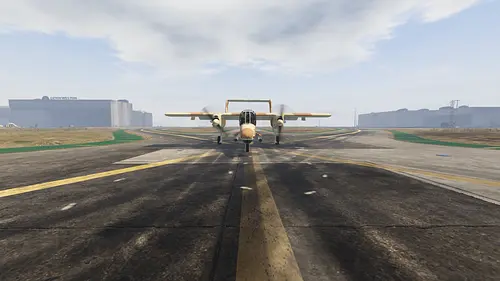 Vehicle modRockwell OV-10 Bronco [Add-On]
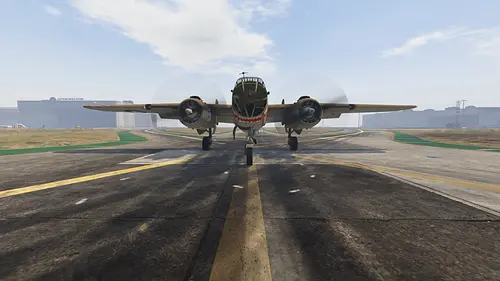 Vehicle modNorth American B-25 Mitchell [Add-On]
Recently added
Browse Vehicle mods Vehicle modLamborghini Aventador Mod for GTA 5 — Ultra Realistic 2026
 Vehicle modFerrari F40 Mod for GTA 5 — Classic Supercar Edition 2026
 Vehicle modBMW M3 GTR Mod for GTA 5 — Need for Speed Edition 2026
 Vehicle modNissan GT-R R35 Mod for GTA 5 — Godzilla Supercar 2026
 Vehicle modToyota Supra MK4 Mod for GTA 5 — JDM Legend Guide 2026
 Vehicle modPolice Vehicles Pack for GTA 5 — Realistic Patrol Cars 2026
Comments0